Windows 11 Home Vs Pro: What’s the difference, and is it worth the upgrade?
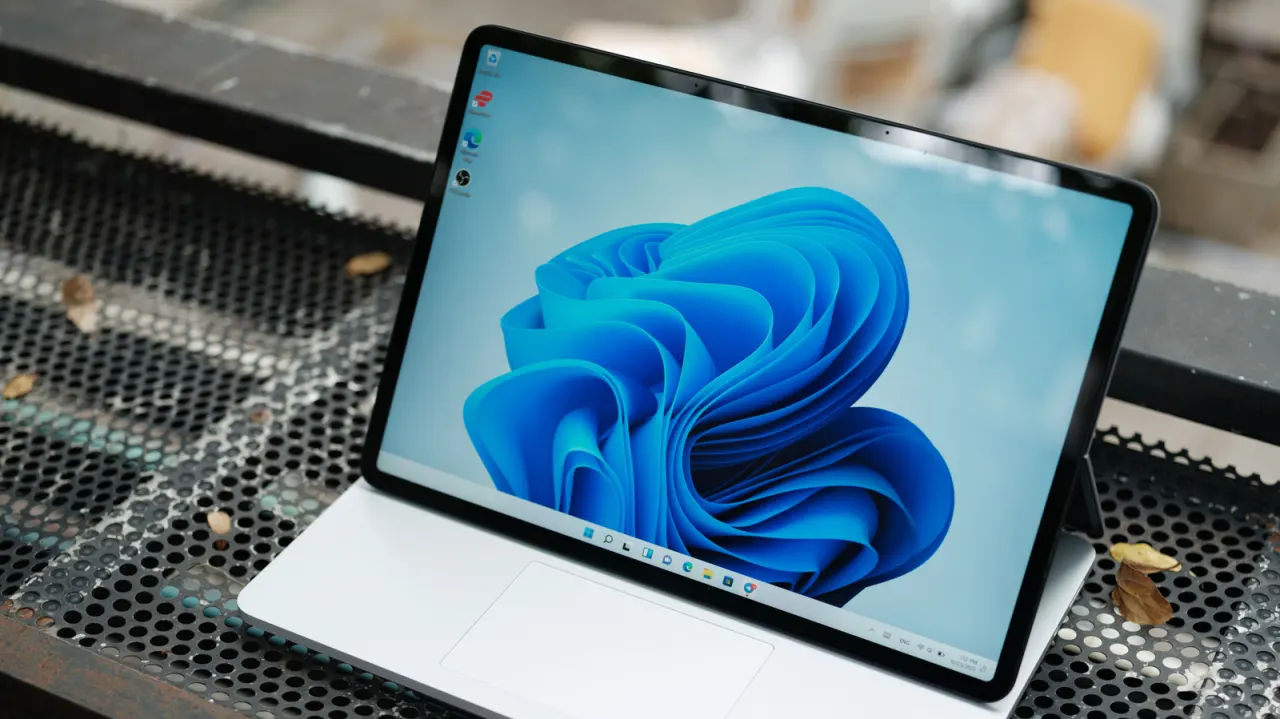
A tech feature from Engadget compares Windows 11 Home and Pro, concluding that most everyday users have little reason to pay extra for the Pro edition. The two versions share almost identical features, including widgets, Bluetooth pairing, Copilot, snap layouts and Game Bar, with the main distinctions being price and a handful of business-oriented tools aimed at companies and advanced users rather than typical consumers.
A Home licence currently costs $140, compared with $200 for Pro, and users upgrading from Windows 10 can still move to Windows 11 Home for free. Pro's advantages include stronger BitLocker security management and remote desktop hosting, useful for people managing multiple systems, plus vastly greater maximum RAM support (2TB versus 128GB), though this is intended for firms running virtual machines, AI data centres or 3D rendering rather than home users. The article notes that Pro offers no speed advantage over Home for gaming or everyday tasks, and recommends it only for business users, developers or those needing enhanced security or remote network access.
- Windows 11 Home and Pro share nearly identical everyday features.
- Pro costs $60 more but suits mainly business or prosumer users.
- Pro's 2TB RAM limit is irrelevant for typical home users.
New here? Start with this
Windows 11 is Microsoft’s operating system for personal computers, available in Home and Pro editions. Home is aimed at everyday use, while Pro includes extra tools intended mainly for businesses and people who manage computers or networks.
Both editions support common features such as Bluetooth, widgets and gaming tools. Pro adds options including more advanced security management and the ability to host remote desktop connections, and it supports much more memory for demanding workloads.
The difference matters when choosing a licence: Pro costs more, while many people upgrading from Windows 10 can move to Windows 11 Home without paying. The extra Pro features are most relevant to organisations and specialist users; they do not make ordinary tasks or games run faster.
Both sides, in good faith
The strongest fair case each way — we don't pick a winner.
The case for
Home users should consider Windows 11 Pro because it offers genuine security benefits through BitLocker, substantial future-proofing with RAM support up to 2TB rather than 128GB, and remote desktop functionality increasingly relevant for hybrid working. The $60 premium is reasonable insurance over a system's five to seven year lifespan, providing flexibility and peace of mind.
The case against
Most home users never utilise Pro's features and see zero performance gain from the $60 upgrade. BitLocker provides marginal extra security when third-party solutions exist; 128GB RAM capacity meets home needs for years; remote desktop remains niche. The money is better spent on hardware, storage, or backup tools that directly enhance the actual computing experience.