Save space in your Google storage by changing this one Android setting
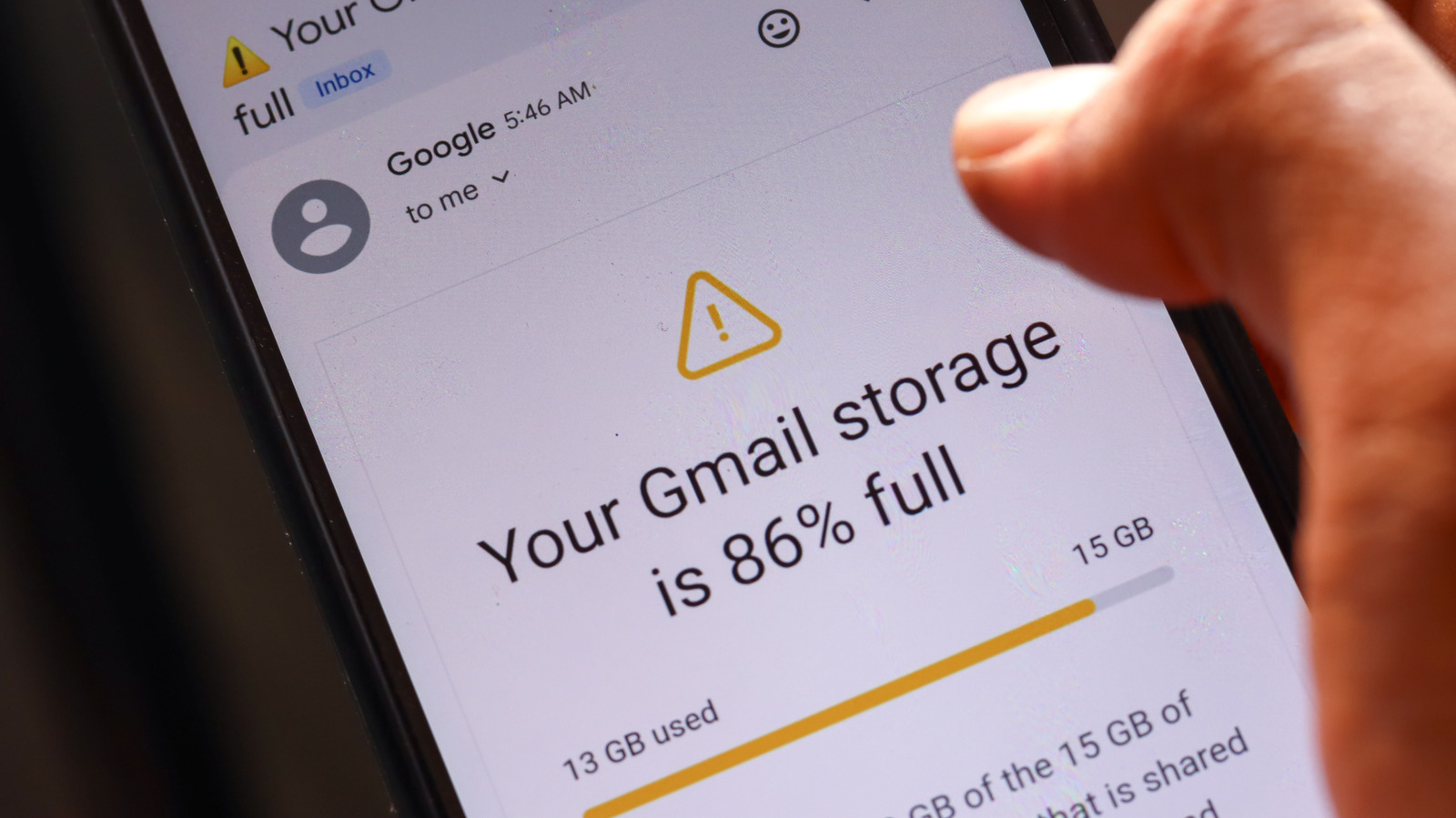
Android users can reduce Google storage use by stopping duplicate backups of media folders, particularly where messaging apps already back up their content separately to Google Drive. This matters because the free 15GB allowance is shared across Google services, so unnecessary phone and app backups can quickly prompt users to pay for more storage.
The article highlights WhatsApp as an example: its media may be backed up by both WhatsApp and Google Photos if the relevant device folder is included, with both copies counting towards the same Google storage limit. It advises reviewing Google Photos’ backed-up folders, deleting unwanted local messaging media before it is uploaded, removing existing duplicate items from Google Photos, and limiting Android app backups to data that is genuinely needed.
- Disable duplicate media-folder backups in Google Photos.
- Review app backups and keep only essential data.
- Delete existing duplicate photos and videos from Google Photos.