Why does your Kindle even have Bluetooth?
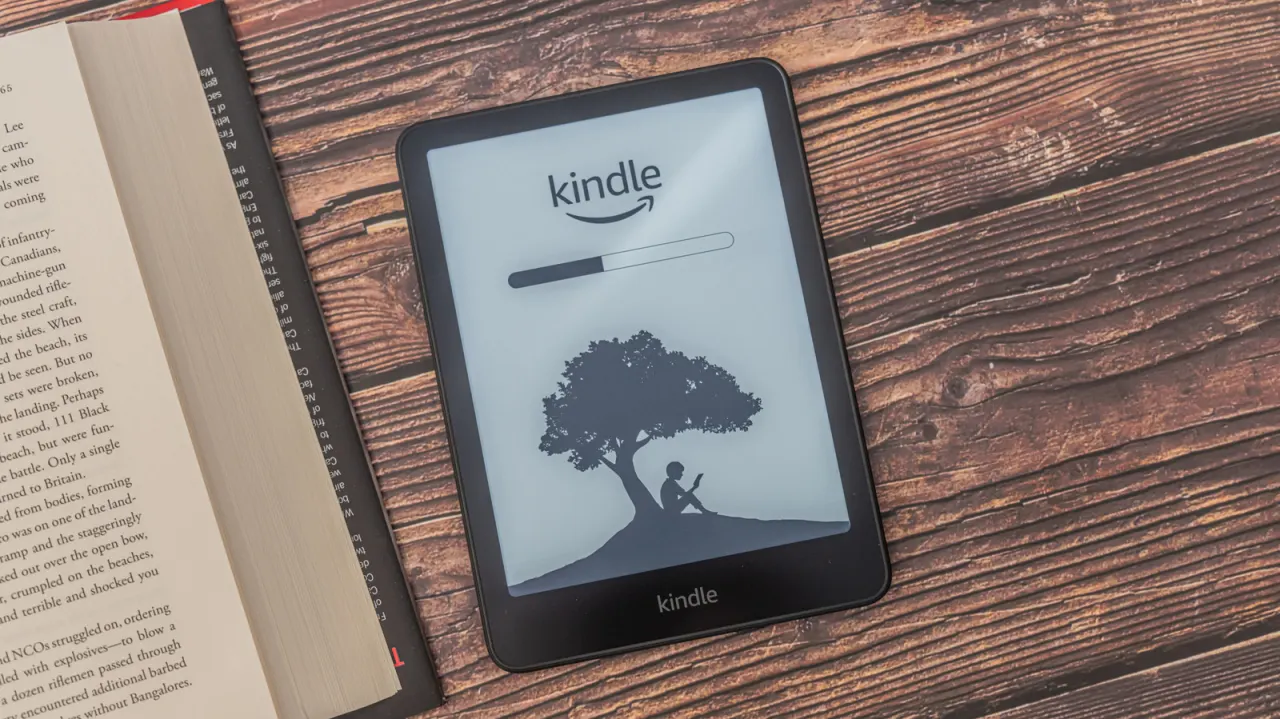
Kindle e-readers made from 2016 onwards include Bluetooth connectivity, a feature many users overlook since most Kindle functions—downloading books, syncing progress, browsing Wikipedia—rely on Wi-Fi or a wired connection instead. The main purpose of Bluetooth on a Kindle is to pair with wireless headphones or speakers, since Amazon's newer e-readers lack built-in speakers or headphone jacks, allowing users to listen to audiobooks or have text read aloud. It also supports accessibility features, working alongside Kindle's VoiceView tool to help vision-impaired users navigate menus.
Setting up Bluetooth pairing is straightforward, and playback can be controlled or adjusted via the Audible screen and Quick Actions panel; if pairing fails, rebooting or updating the device's software is recommended. Notably, Bluetooth does not enable page-turning, keyboard connections or file transfers between a Kindle and a smartphone—functions some users might expect. Third-party page-turning accessories instead use radio-frequency clips that mimic touch input, a workaround Amazon has not replicated with an official product. Bluetooth also powers the Assistive Reader text-to-speech function for books bought through the Kindle store.
- Kindles from 2016 onward have Bluetooth for audio, not page-turning.
- It connects headphones/speakers for audiobooks and text-to-speech.
- Third-party clip devices, not Bluetooth, enable remote page-turning.
New here? Start with this
Kindle is Amazon’s e-reader, designed mainly for reading digital books. Many models made since 2016 have Bluetooth, a wireless connection that lets nearby devices connect without a cable.
Because newer Kindles do not have built-in speakers or headphone sockets, Bluetooth lets readers listen to audiobooks through wireless headphones or speakers. It also works with VoiceView and Assistive Reader, which can speak menus and book text to help people who have difficulty seeing the screen.
Bluetooth on a Kindle is mainly for audio and accessibility. It does not connect a phone to transfer files or provide page-turning controls; some page-turning accessories use a separate type of wireless signal and simulate a screen touch.