How to adjust the audio settings for your AirPods (and why you should)
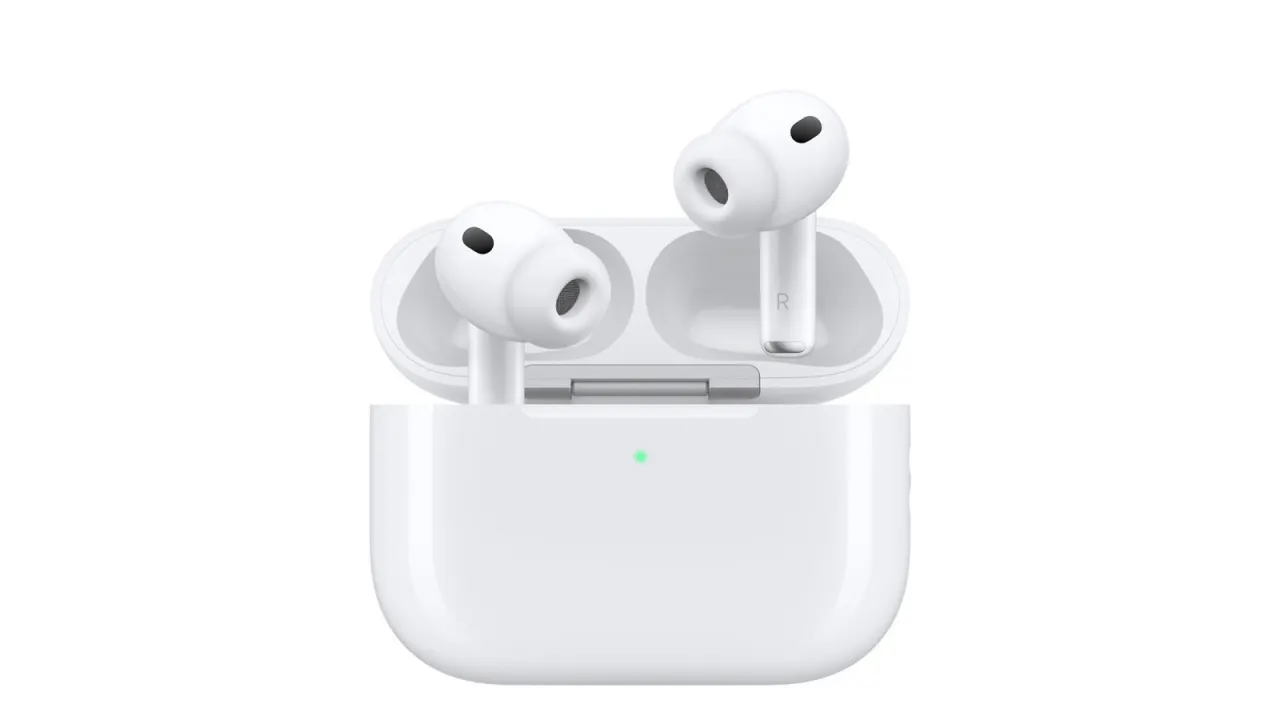
AirPods work fine out of the box, but Apple offers several customisation options that can improve the listening experience, and users may not realise how much control they have. On AirPods 4 and AirPods Pro models, pressing and holding the stem switches between listening modes, which can explain unexpected changes in sound if triggered accidentally, and these controls can be adjusted or reassigned via the Settings app.
Within the AirPods settings menu, users can customise the press-and-hold action to cycle between Noise Cancellation, Transparency, Adaptive or Off modes, or set it to summon Siri instead. Additional features include Personalised Volume, Conversation Awareness, Loud Sound Reduction and Personalised Spatial Audio, while a built-in hearing test can unlock Hearing Assistance for users with mild to moderate hearing loss. Apple is also set to introduce a Custom EQ feature with iOS 27 this autumn, giving users native control over low, mid and high-frequency tones, with early access available through the iOS 27 beta.
- AirPods offer customisable listening modes, volume and hearing features via Settings.
- Press-and-hold stem action can be set to switch modes or summon Siri.
- iOS 27, arriving this autumn, will add a native Custom EQ feature.
New here? Start with this
AirPods are Apple’s wireless earphones, and some models let listeners control how much outside sound they hear. Noise Cancellation reduces surrounding noise, while Transparency lets it through; Adaptive adjusts between the two. On AirPods 4 and AirPods Pro, pressing and holding the stem can switch listening modes, and the action can be changed in the iPhone Settings app.
Other options can adjust volume, respond to conversations or reduce loud sounds. Some AirPods also offer a hearing test and support features for people with mild to moderate hearing loss. These settings matter because they can change how music, calls and nearby sounds are heard, and users may trigger them without realising.