Getting an ‘iPhone Unavailable’ message? Here’s how to fix it
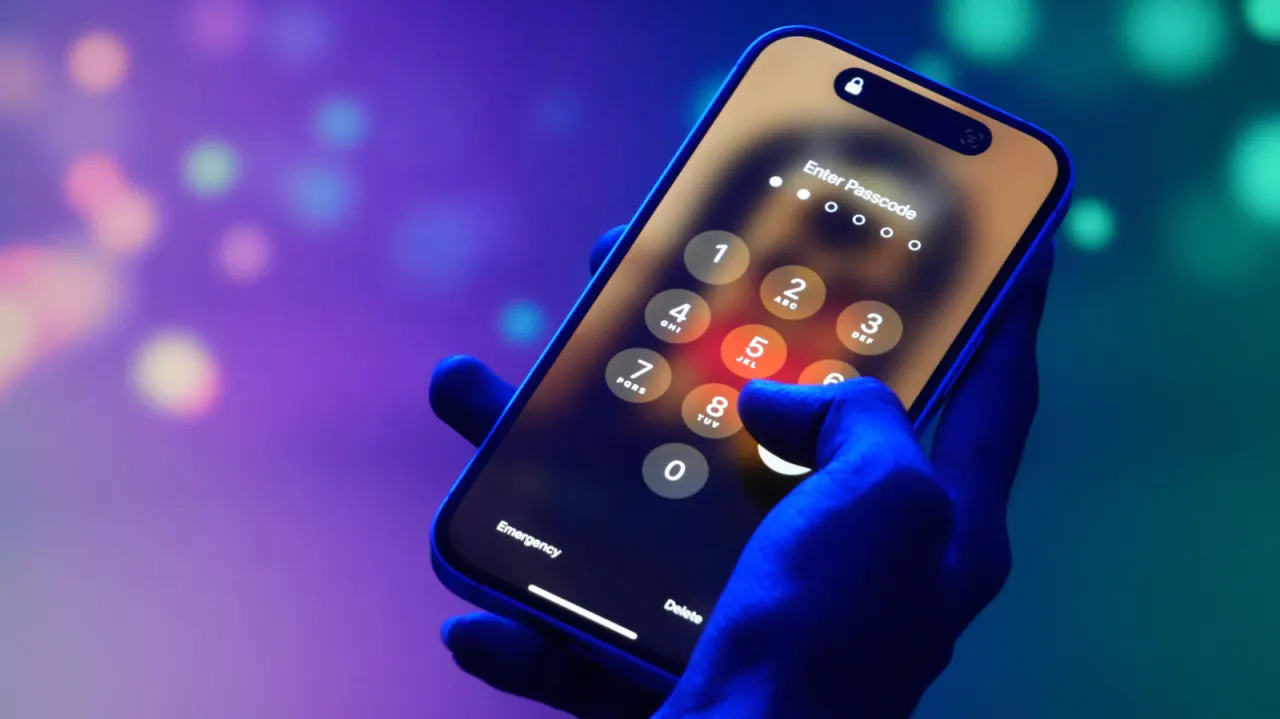
Apple's "iPhone Unavailable" lockscreen message appears after too many incorrect passcode attempts, a security feature designed to block unauthorised access that can just as easily be triggered accidentally, such as by pocket presses or a forgotten passcode. Engadget has outlined several ways to regain access, with the best option depending on the iOS version installed, whether the passcode was changed recently, and what other devices are available to help with recovery.
Users on iOS 17 or later who changed their passcode within the past 72 hours can simply revert to their old one via the "Forgot Passcode" option after five failed attempts. Those without a recent passcode change can erase the iPhone directly on the device, provided they are running iOS 15.2 or later, have Find My enabled, an internet connection, and their Apple Account password, though this wipes all data unless an iCloud backup exists. Alternatively, the phone can be connected to a PC or Mac and restored via the Apple Devices app or Finder using recovery mode, again requiring an existing backup to recover data afterwards.
- "iPhone Unavailable" follows repeated incorrect passcode attempts.
- Recent passcode changes allow reverting to the old code.
- Otherwise, erase via device or restore using a computer.
New here? Start with this
An iPhone asks for a passcode to protect the information stored on it. After too many incorrect attempts, it displays “iPhone Unavailable” and temporarily or permanently blocks access, which can happen through accidental screen presses as well as a forgotten code.
Apple’s recovery options depend on the phone’s software, whether its passcode was recently changed and what other devices or account details the owner has. Some options erase the phone, so saved data can be restored only if a backup is available; the feature is part of Apple’s effort to prevent someone who does not know the passcode from accessing the device.