Video games news, releases, esports and culture — all the biggest gaming stories in one place.
How to sell silver in The Blood of Dawnwalker
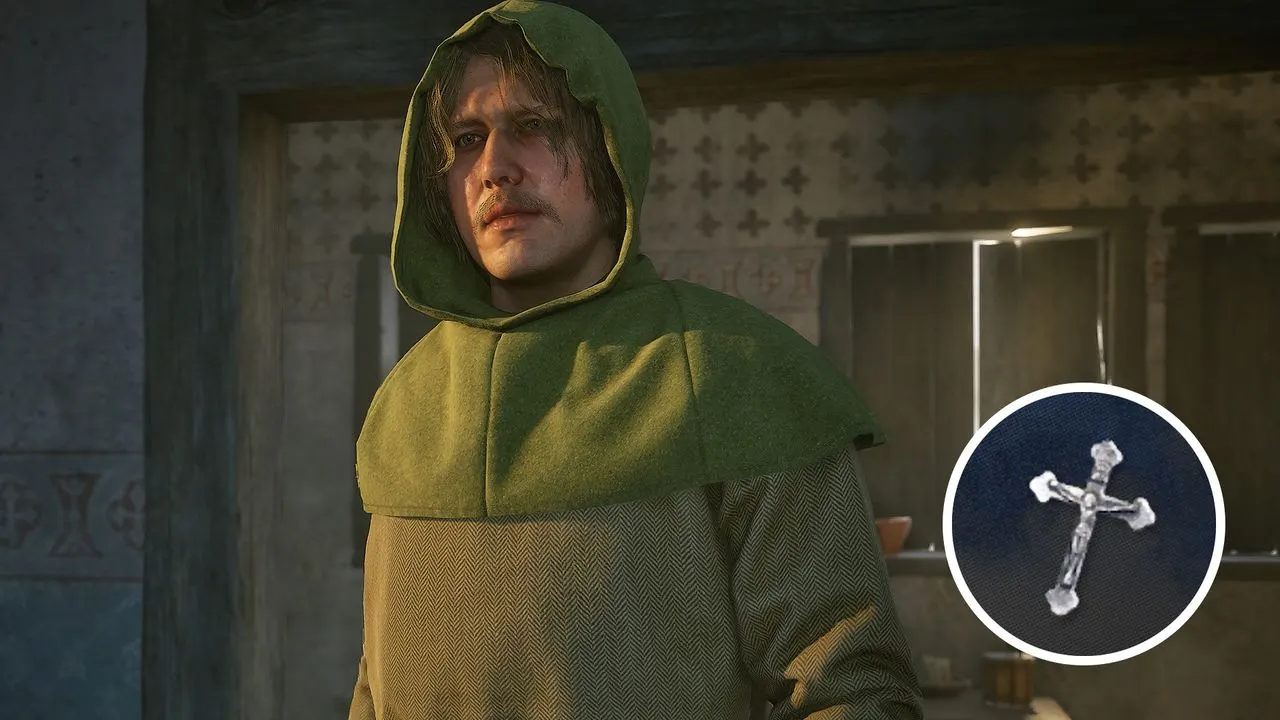
PC Gamer explains how players can sell silver in The Blood of Dawnwalker, where the vampire rulers treat it as contraband. This matters because ordinary merchants will not buy silver items, making a specific quest and trader necessary to turn them into money.
Players must first complete the Into the Den quest, which starts east of the Northern Foothill and involves killing a bear and investigating its victim. They can then travel south to Svartrau City, identify silver contraband by its white chalice icon, and confront the Silver Trader about his dealings; he will then trade. Attempting to visit him before completing the quest will not work.
In short
- Complete Into the Den before selling silver.
- Silver items have a white chalice icon.
- Sell them to Svartrau City’s Silver Trader.
Explained simply
The Blood of Dawnwalker is a role-playing game set in a world where vampires rule. Silver is treated as contraband there, so players cannot sell silver items to ordinary merchants.
To turn those items into money, players need to complete the Into the Den quest and then find the Silver Trader in Svartrau City. The game marks silver contraband with a white chalice icon, and the trader will deal in it only after the quest.