How to find your iPhone even when it’s off
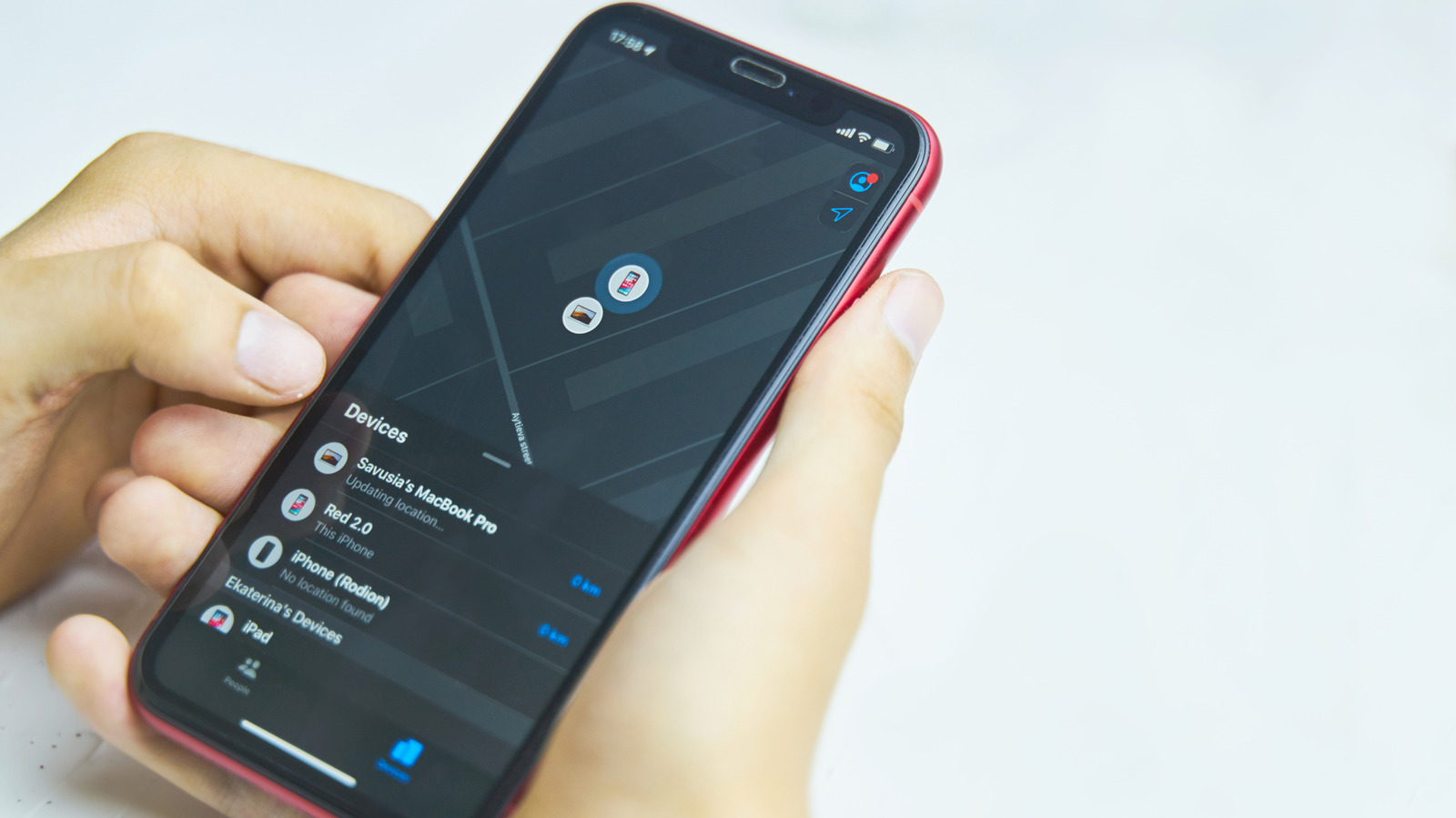
Apple's Find My feature can still locate a lost or stolen iPhone even after it has been switched off or run out of battery, but only if certain settings are enabled in advance and the user acts quickly. This matters because a thief's first move is often to power down a stolen device to prevent tracking, so knowing how to configure and use these safeguards in advance can make the difference between recovering a phone and losing it for good.
To enable this, users need both "Find My iPhone" and "Find My network" switched on under Settings, along with "Send Last Location", Location Services and Bluetooth. Compatible devices are iPhone 11 or later (excluding SE and "e" models) running iOS 15 or above; a manually powered-off phone remains locatable for about 24 hours, while one that dies naturally can enter a five-hour "Power Reserve" mode on iOS 15.2 and later, broadcasting a low-power Bluetooth signal similar to an AirTag. After that, its last known location remains visible in the Find My app for up to seven days, and disabling Control Center access on the lock screen can stop thieves from using airplane mode to go dark.
- Enable Find My iPhone and Find My network in Settings for offline tracking.
- Compatible iPhones stay locatable up to 24 hours after manual shutdown.
- Power Reserve mode broadcasts location for ~5 hours after battery dies.