What is MSI mode on Windows PCs and does it speed up your GPU?
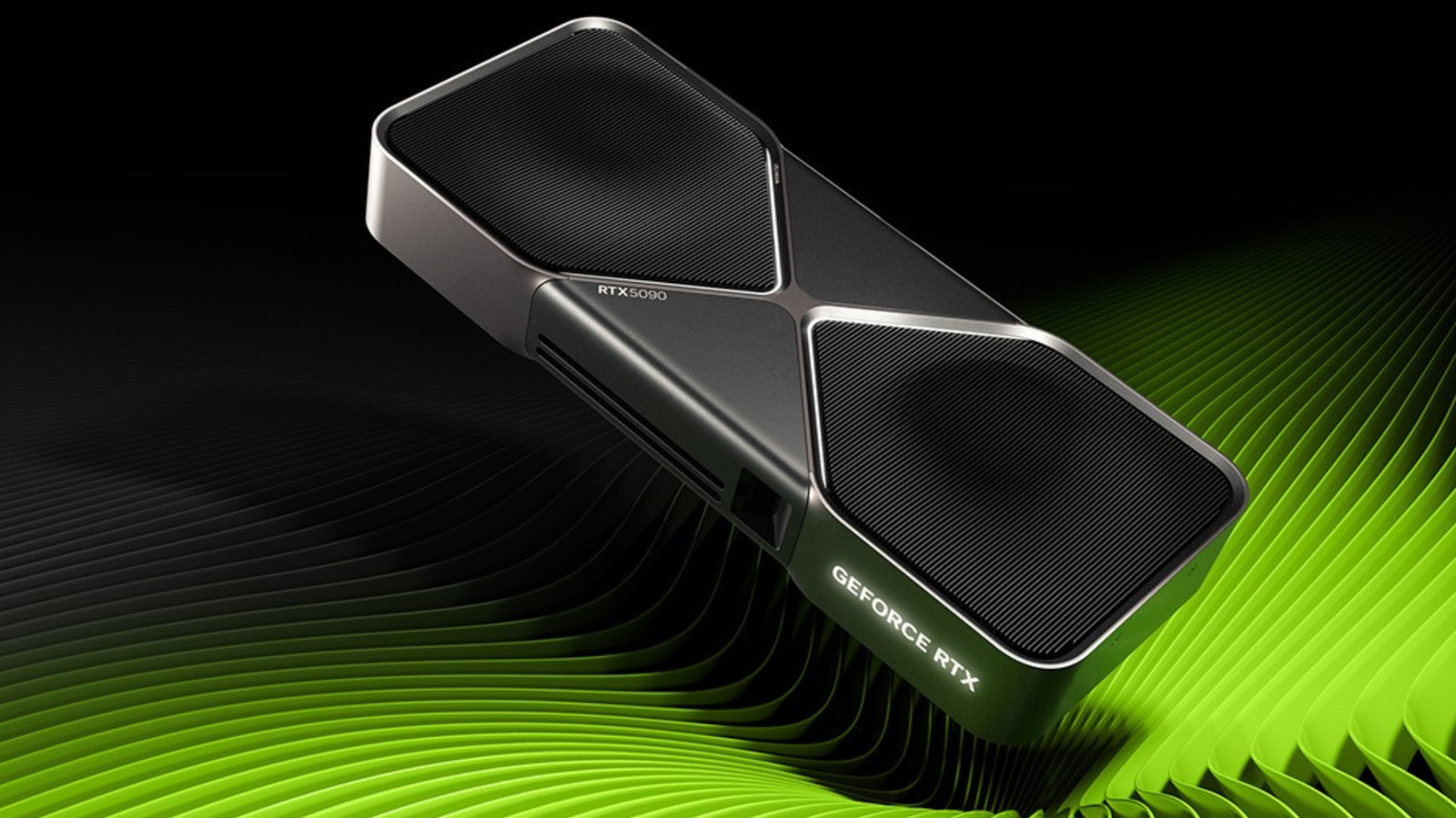
MSI (Message Signaled Interrupts) mode is a Windows feature that lets hardware such as graphics cards notify the CPU more efficiently, and Engadget explains why enthusiasts should resist treating it as a hidden performance boost. The setting, introduced with PCIe 2.2 and built into Windows since Vista, replaces the older method of devices sharing physical interrupt lines with a system where each device writes directly to a specific memory address, avoiding the congestion and latency that shared lines can cause. Most modern GPU drivers already enable it by default where appropriate, and forcing it on manually where a manufacturer disabled it can leave the device unresponsive.
Rather than boosting average frame rates, MSI mainly improves consistency, smoothing frame pacing and cutting input latency on systems where interrupt requests were previously queuing up. It is controlled by the registry value MSISupported, written by the GPU driver during installation, and PCI 3.0's 2010 successor, MSI-X, is now the default Windows setting where supported. The article cites a real-world failure documented by Dell and Microsoft, in which certain SSDs using Windows 10's default storage driver stalled and pinned disk utilisation at 100% when MSI was enabled, requiring it to be switched off for that controller.
- MSI mode improves GPU interrupt handling, not raw speed.
- Manufacturers set MSI defaults deliberately; overriding it risks device faults.
- Real-world case shows MSI can cause SSD failures on some drivers.