How to use Meta Display glasses while driving with the Audio Only feature
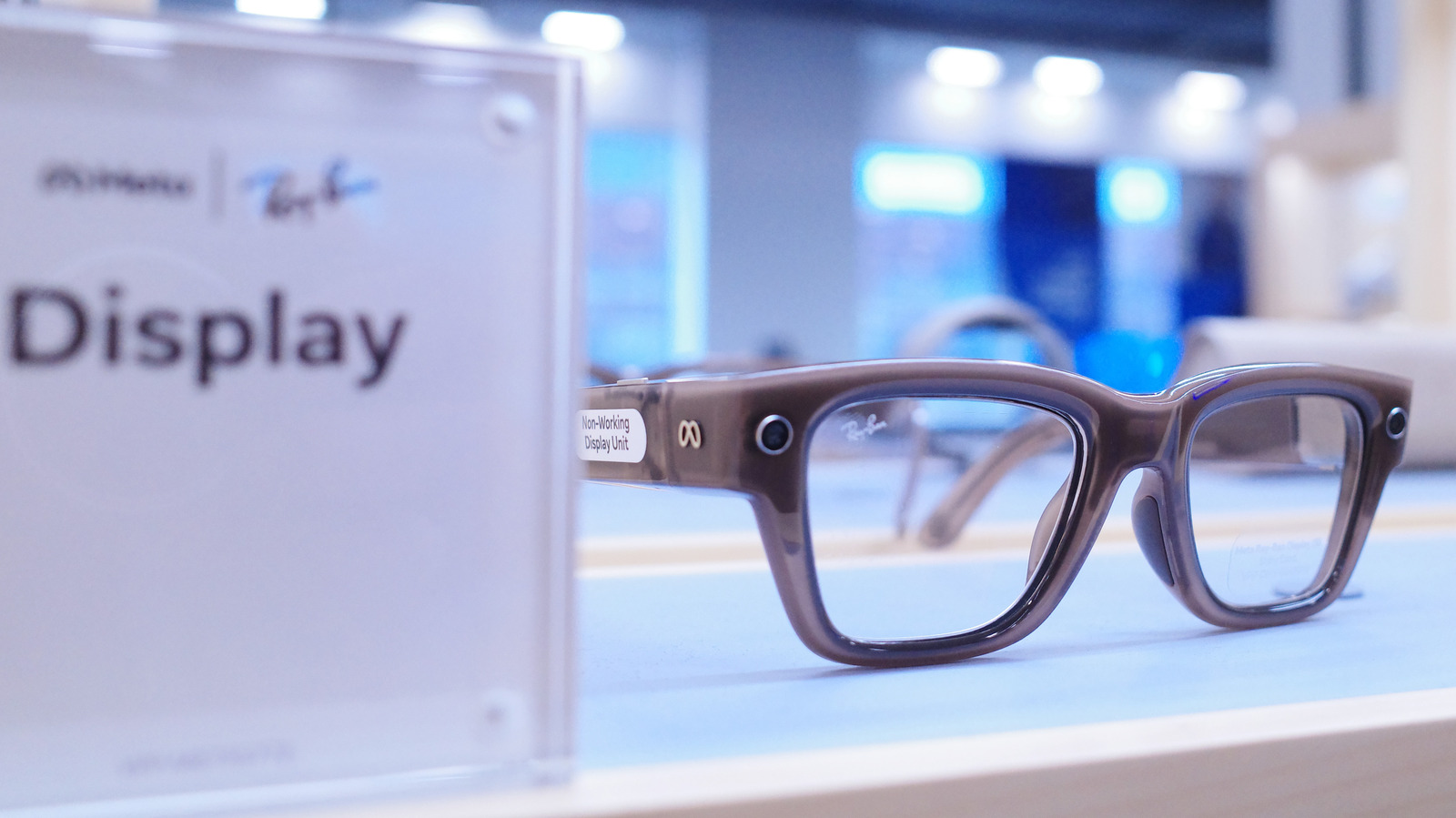
Meta's Ray-Ban Display smart glasses can now be safely used while driving thanks to an Audio Only mode that disables the built-in display entirely, reducing the risk of visual distraction behind the wheel. This matters because smart glasses with screens are increasingly used for everyday tasks like notifications and calls, but that same functionality poses an obvious safety hazard in a moving vehicle, and Meta's glasses are not built to offer real-time driving directions in the first place.
The mode can be triggered automatically through a Driving Detection feature in the Meta AI app, which uses the glasses' sensors to sense when the wearer is in a moving vehicle and switches off the display, restoring it once the journey ends. Users can enable this via the app's Device Settings menu, or toggle Audio Only manually with the voice command "Hey Meta, turn on/off audio only." The glasses still lack proper navigation support, offering only pedestrian directions rather than the traffic updates and lane guidance needed for driving, and using Audio Only mode also has the side benefit of conserving battery.
- Meta Display glasses get an Audio Only mode for driving
- Driving Detection auto-disables the screen in moving vehicles
- Glasses still don't support real-time driving navigation