Entertainment news and discussion on TalkFuse.
How to factory reset your Steam Deck
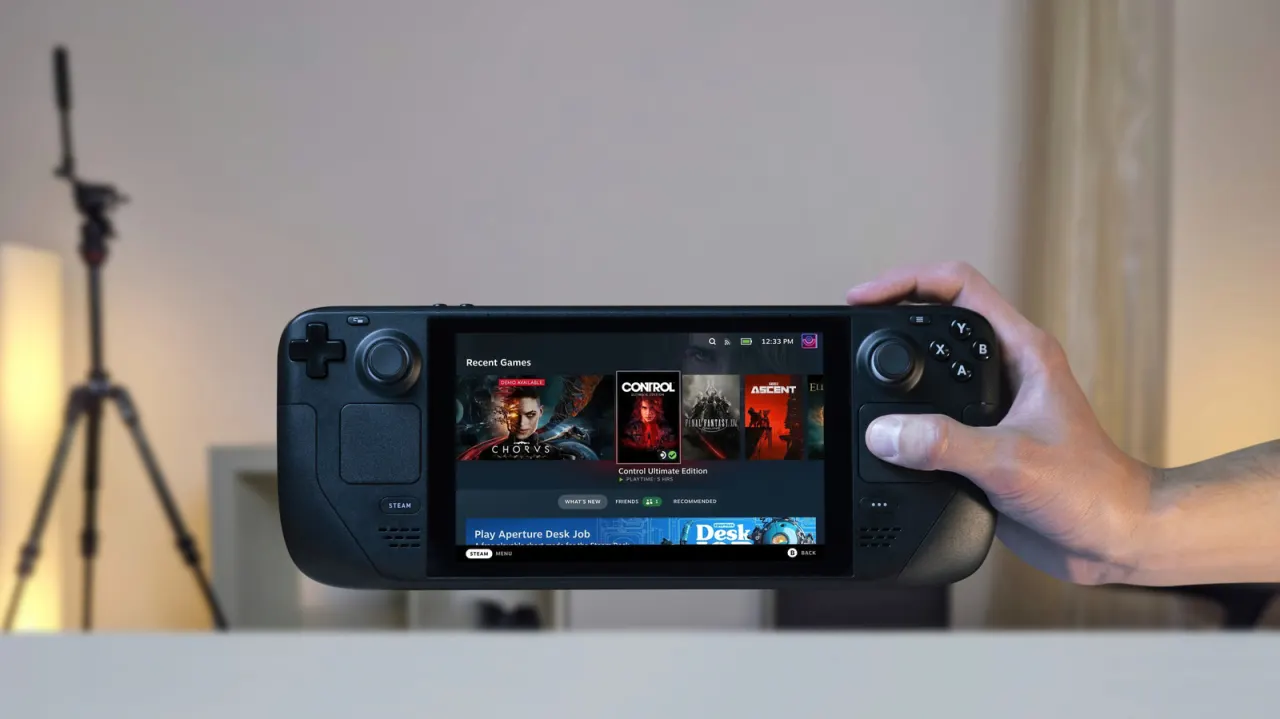
A factory reset can resolve persistent Steam Deck problems such as poor performance, corrupted files and serious software bugs, or prepare the device for resale. However, it erases all data on the internal storage, including installed games, settings and local saves, so users should back up anything not covered by Steam Cloud first.
The reset can be started through Settings, taking roughly 10–15 minutes and requiring an internet connection to reinstall SteamOS. For devices that cannot boot normally, recovery mode is available by holding the Power and “…” buttons; users can also roll back temporarily to a previous SteamOS version while retaining their data. For resale, disabling SteamOS reinstallation provides a quicker personal-data wipe.
In short
- Factory resets erase all internal Steam Deck data.
- Back up saves and settings before resetting.
- Recovery mode and temporary SteamOS rollbacks are available.
Explained simply
The Steam Deck is a handheld gaming computer made by Valve that runs SteamOS, a version of the Linux operating system. It can store games, settings and save files on its internal drive; some saves are also stored online through Steam Cloud.
A factory reset returns the device’s software to its original state by removing data from the internal drive. People may consider one when serious software problems persist or before passing the device on, but saves and other files stored only on the Deck can be lost.
Celebrity Entertainment Gaming