Switch Netflix audio settings to make muffled dialogue clearer
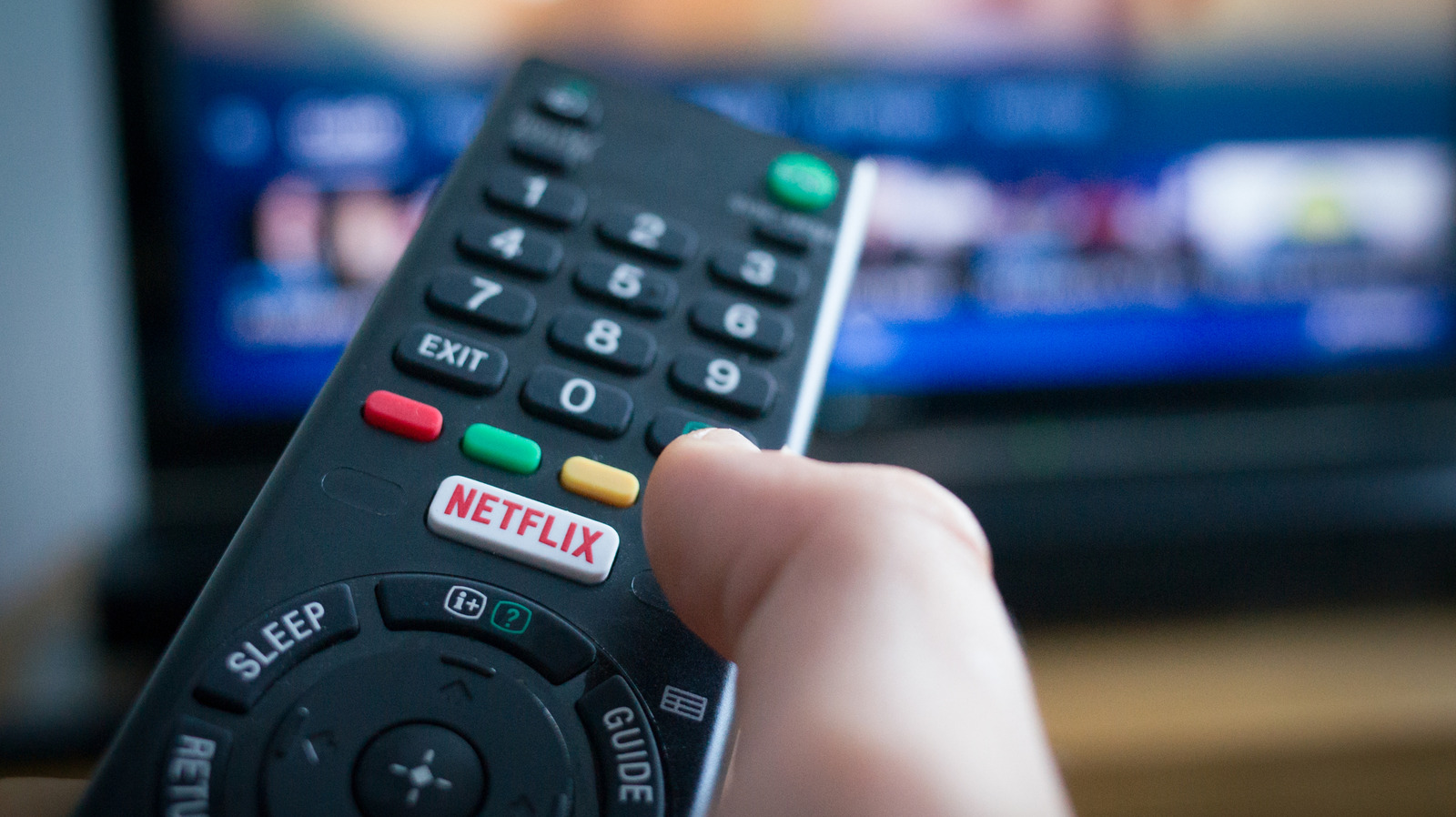
Muffled or distant dialogue on Netflix is often caused by a mismatch between the audio format being streamed and the equipment playing it, rather than poor internet or television quality. Devices with basic speakers may struggle to handle surround-sound tracks, making voices quieter and less clear.
The simplest fix is to open Netflix’s Audio and Subtitles menu and switch from a 5.1 or Dolby Atmos track to standard stereo, such as English [Original]. Persistent problems may require checking HDMI cables, updating device firmware or bypassing a soundbar; setting playback data usage to High can provide higher bitrates, while Atmos requires the Premium plan.
- Switch from surround sound to standard stereo.
- Check cables, firmware and external audio equipment.
- High-quality spatial audio requires Netflix Premium.