Customise your Samsung Galaxy side button functions
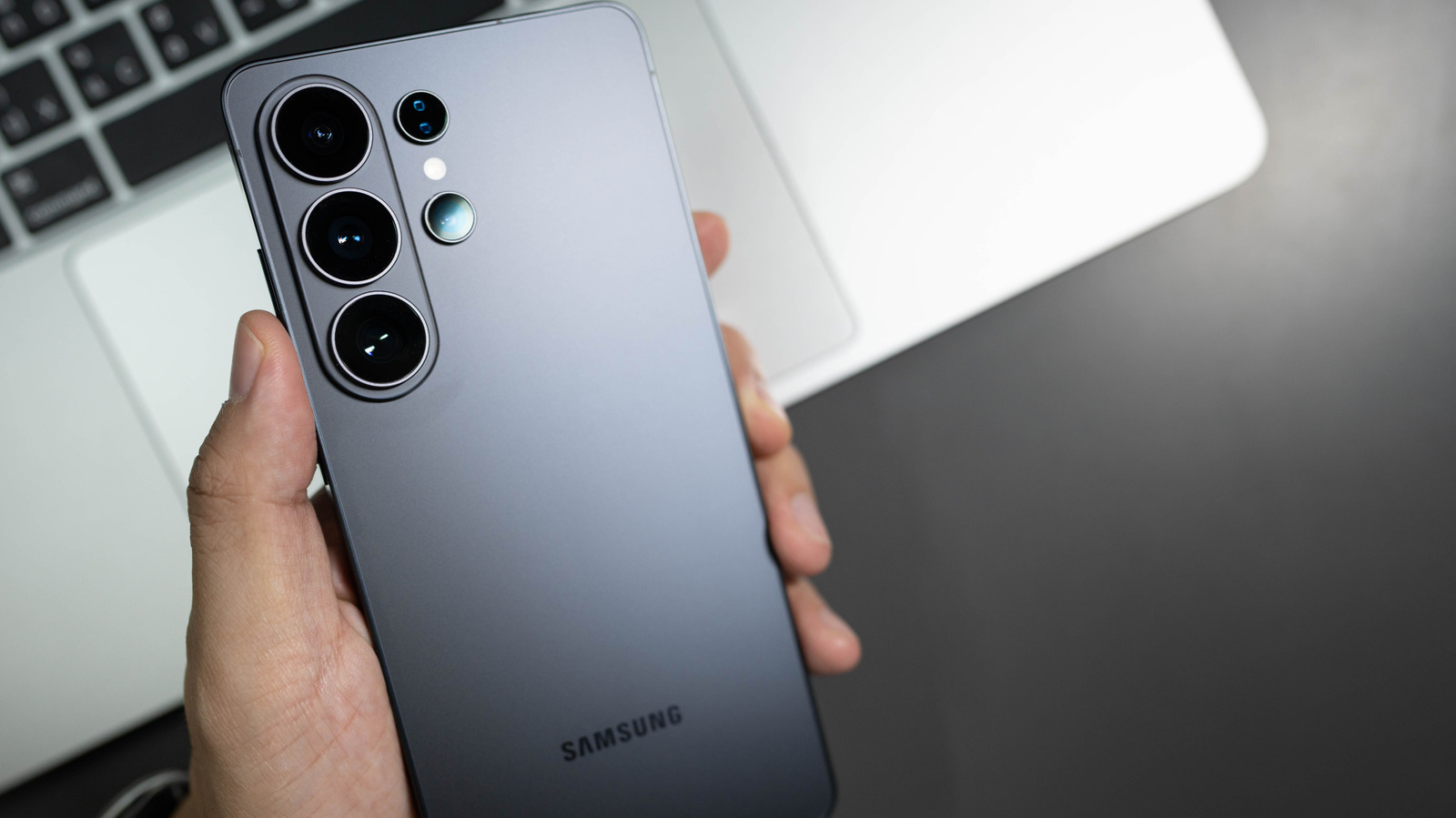
Samsung's side button is a multifunctional feature that replaced the traditional power button in 2019 and merged with the previous Bixby button on newer models. Most users may not realise just how customisable this button is, and many can benefit from remapping its functions to suit their needs rather than relying on default settings that may frequently trigger unwanted actions like accidentally summoning Bixby.
The side button can be customised through Settings > Advanced features > Side button, allowing users to remap double-press actions to open apps like Camera, Voice Recorder, Samsung Notes, or Magnifier, whilst long-press options are limited to assistant apps such as Bixby, Google Gemini, ChatGPT, or Claude. Older devices with dedicated Bixby buttons (Galaxy S8–S10 series and Note 8–9) can also be customised through their own Bixby Key settings, and users can leverage Modes and Routines to create powerful shortcuts for specific situations like Driving Mode, which can trigger hands-free calling, navigation, message reading, and auto-replies.
- Samsung side buttons are highly customisable via Settings with no special menus needed.
- Remap to preferred apps; long-press limited to AI assistants or power menu.
- Use Modes and Routines for context-specific automation like driving or quick recording.
Read the full article at the source →
Originally published by Engadget as “How to customize the side button on your Samsung Galaxy phone”.