How to use an iPad as a second screen for your Mac or Windows PC
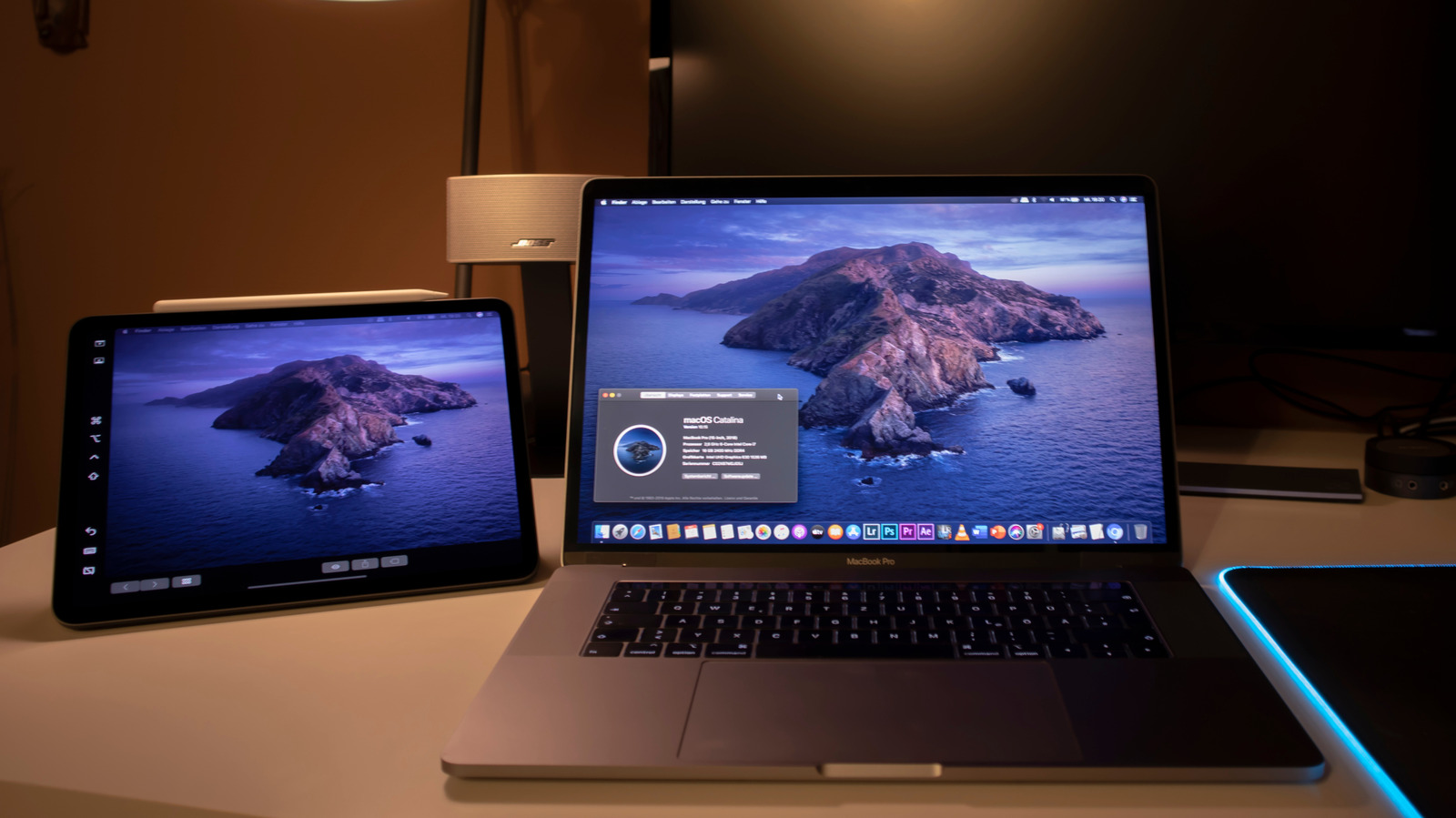
An iPad can serve as a portable second screen for a Mac or Windows PC, giving users extra workspace while travelling or working away from home. Apple’s Sidecar is the simplest option for Mac users, while third-party apps provide alternatives for Windows users and can add features such as Apple Pencil support.
Sidecar requires a compatible Mac and iPad using the same iCloud account; it can be enabled through Control Centre and configured like any external display. Universal Control instead lets one keyboard and mouse operate both devices, while Duet Display works across Mac and Windows but requires a paid licence and installation on both devices. Luna Display supports Mac and Windows through a $79 dongle, avoids subscriptions and offers a headless mode for Mac mini users; wired connections may reduce glitches, and a stand can improve usability.
- An iPad can become a portable second monitor.
- Sidecar is simplest for Macs; Windows users need alternatives.
- Duet costs extra, while Luna uses a $79 dongle.