Steam users can access VR through free SteamVR software
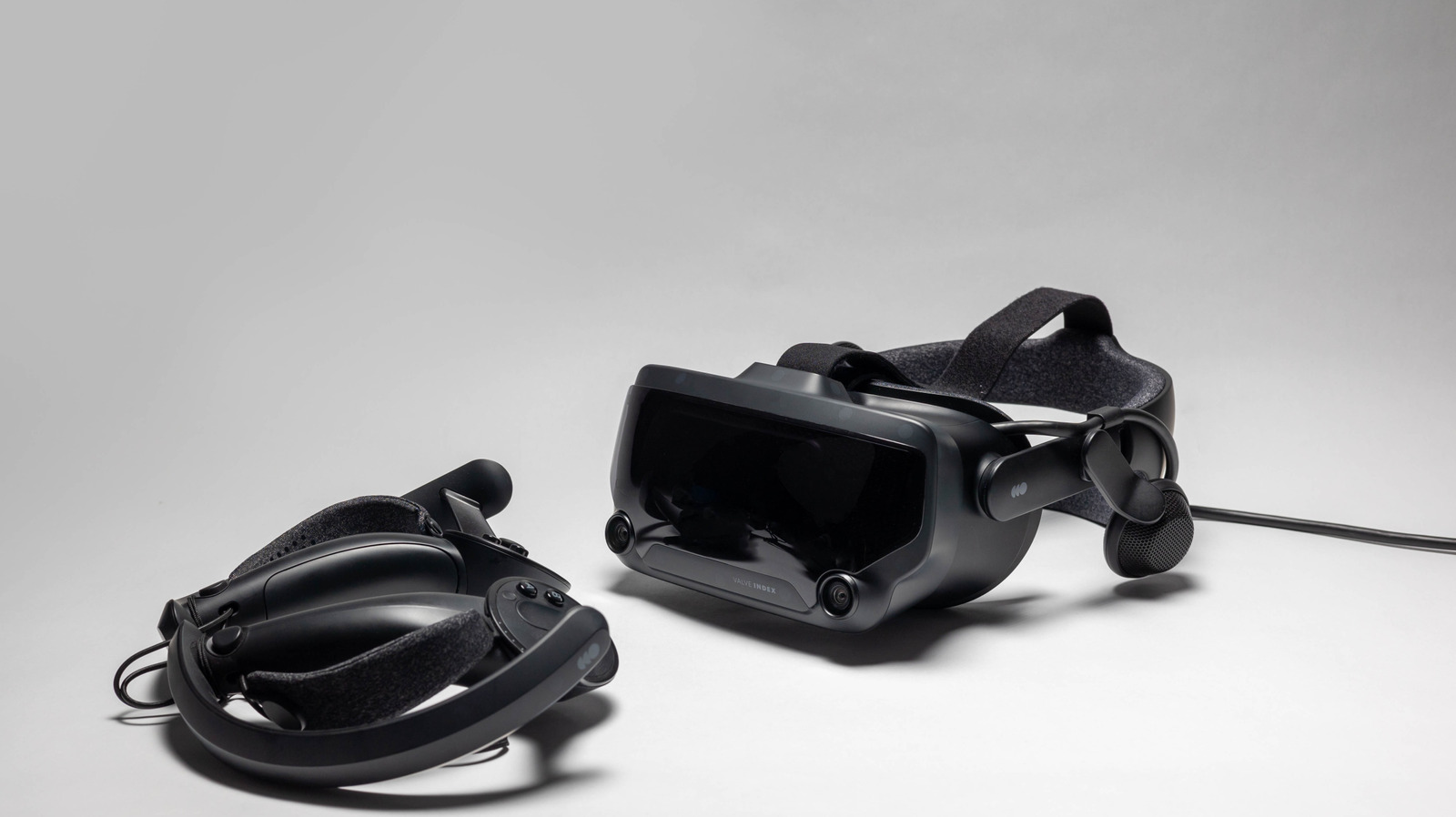
Steam users can access virtual reality now through SteamVR, without waiting for Valve’s £1,000 Steam Frame headset. SteamVR links compatible headsets to the Steam launcher, allowing users to play VR games, access their desktop and adjust settings; it supports devices from Valve, HTC, Meta/Oculus and other manufacturers.
To begin, users must install SteamVR for free, connect their headset, controllers and any sensors, then complete its setup process. They can choose Room-Scale or Standing Only play, with Room-Scale requiring roughly 6.5 by 5 feet of space; wireless play is available through Steam Link on selected Meta Quest, HTC Vive Focus and PICO headsets. SteamVR also includes SteamVR Home, a social hub, plus settings for play-area safety, brightness, resolution, graphics, Motion Smoothing, controller bindings and frame-time monitoring.
- SteamVR enables VR gaming through Steam with compatible hardware.
- Setup involves installing the app, connecting devices and defining your play area.
- Advanced tools manage safety, performance, graphics and motion comfort.
Read the full article at the source →
Originally published by Engadget as “How to enter VR mode on Steam”.