Safely eject external drives to avoid data and file system corruption
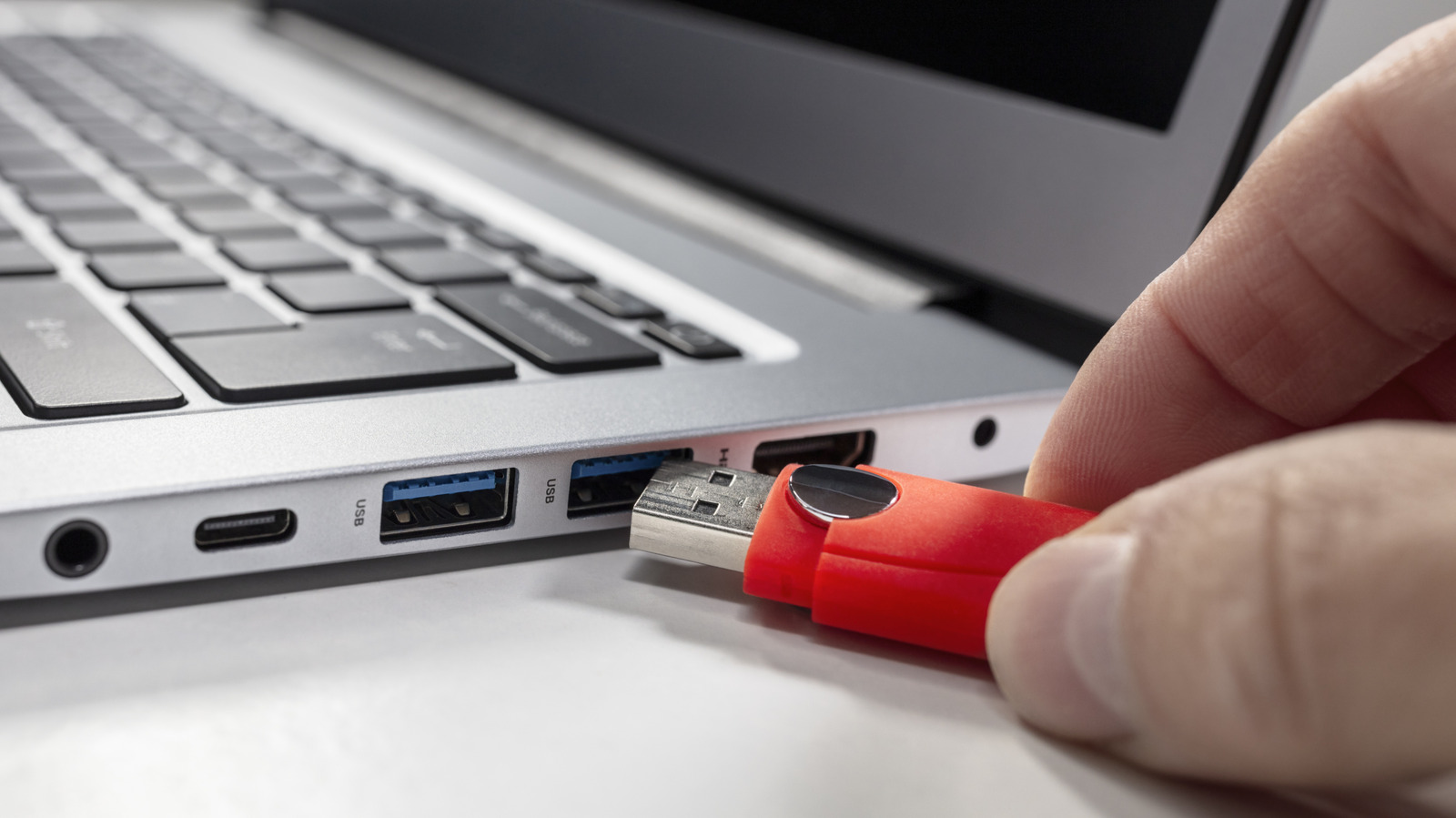
Properly ejecting external drives before disconnecting them remains important, despite many users unplugging them without consequence for years. Although file transfers may appear complete, operating systems continue background processes such as writing cached data and updating file directories, meaning unsafe removal carries genuine risks of data corruption and file system damage.
The consequences of improper ejection vary in severity across Windows, Mac and Linux systems. File corruption can occur silently, leaving users unaware that copied files are corrupted until later; the file system's directory information can become half-updated, causing the drive to appear unallocated or uninitialized; and in rare cases, partition table damage may render the drive unusable. Windows 10 implemented "Quick removal" as the default policy to mitigate these risks, whilst Mac users must be aware that Time Machine backups and Spotlight indexing continue operating in the background, and Linux systems are particularly vulnerable due to reliance on write caching. Most safely, users can unplug drives only when genuinely idle—meaning no applications use them, no files are open and no transfers are occurring—though the brief time required to verify this state makes proper ejection the faster, safer choice.
- Improper ejection risks silent file corruption and file system damage
- Background processes continue after transfers appear complete
- Quick ejection takes seconds; the risk always outweighs the time saved
Read the full article at the source →
Originally published by Engadget as “Why it’s important to eject external drives properly”.