The safest and easiest way to debloat Windows 11
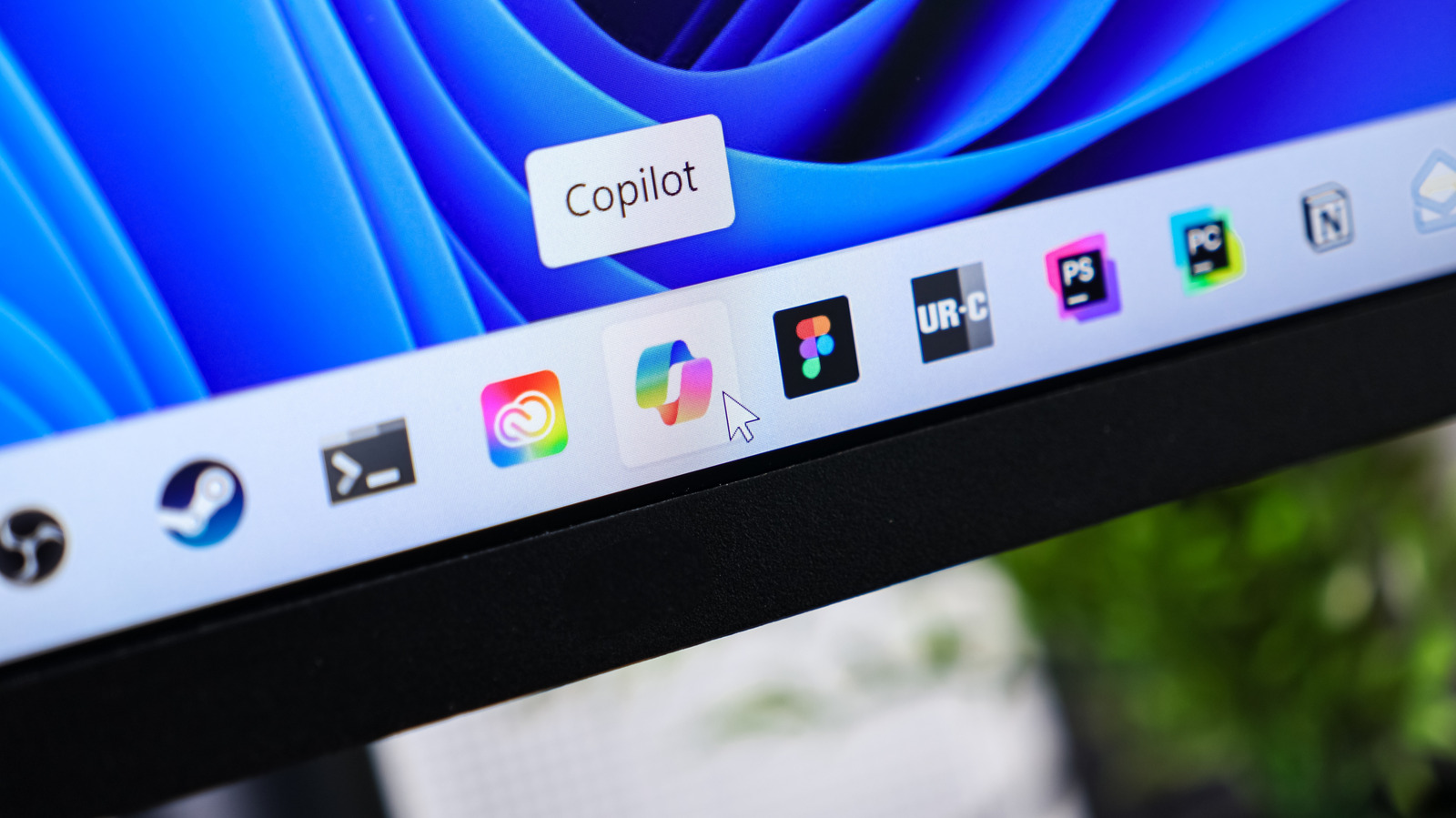
The article argues that Windows 11 can be made less cluttered and intrusive, but recommends a careful, step-by-step approach to avoid disrupting useful features or software. It says the safest method combines uninstalling unwanted apps, changing privacy and advertising settings, and using a debloating tool selectively.
Some pre-installed games, vendor trial software and unused Microsoft apps can be removed through Settings > Apps > Installed apps; the article cautions against deleting unfamiliar components, including Windows Runtime programs. It recommends Chris Titus Tech’s WinUtil for adjusting telemetry, tracking and advertising settings, while warning that aggressive one-click debloaters may remove too much. It also advises reviewing Windows settings afterwards to make sure they suit your needs.
- Remove only apps you recognise and do not need.
- Use a debloating tool selectively to adjust privacy settings.
- Review Windows settings afterwards to check the changes.