Entertainment news and discussion on TalkFuse.
How to improve your FPS for better gaming (without buying new hardware)
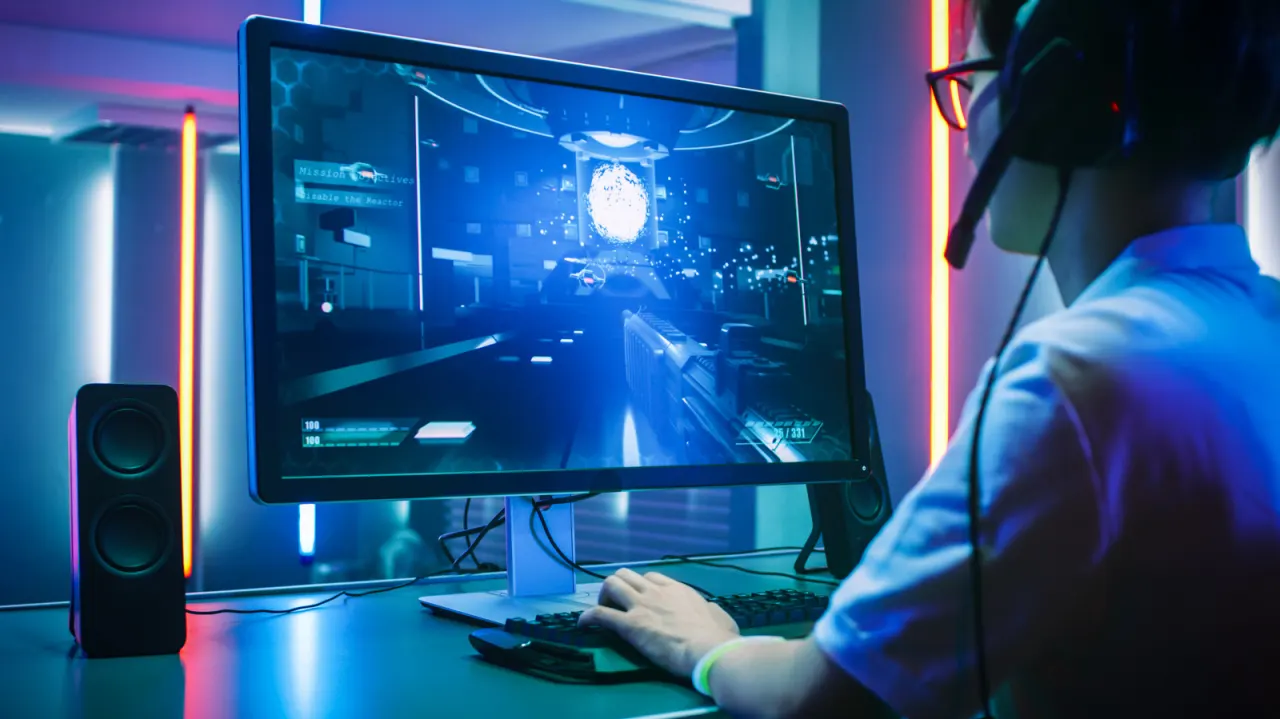
The article explains how PC gamers can improve their gaming frame rates without purchasing new hardware. This matters because PC gaming offers greater customization than console gaming, and many players want smoother gameplay without the expense of upgrading their GPU or RAM.
The article provides practical steps: lowering in-game graphics settings (texture quality, shadows, ambient occlusion), disabling features like motion blur and V-sync, and updating drivers regularly. Additional recommendations include optimizing Windows 11 settings (Best Performance power mode and Game Mode), closing background applications, cleaning dust from the system, and enabling AI upscalers such as NVIDIA DLSS 4.5, AMD FSR 4, or Intel XeSS to improve performance whilst maintaining visual quality.
In short
- Reduce in-game graphics settings to improve frame rates without hardware upgrades
- Enable AI upscalers like NVIDIA DLSS to achieve better performance at native quality
- Optimise Windows 11, update drivers, and close background apps for smoother gameplay
Explained simply
Frame rates, measured as FPS or frames per second, determine how smoothly a game displays on your screen. Players want smoother performance, but this traditionally requires expensive hardware upgrades such as new graphics cards or additional memory.
However, PC gamers can improve their frame rates without spending money by adjusting their computer and game settings. This includes reducing visual quality within games, keeping software up to date, and using Windows settings designed to prioritise gaming.
Many modern games also offer AI-powered image enhancement tools that improve speed whilst maintaining visual quality. These work by using a lower quality version internally and then using artificial intelligence to improve how it looks, allowing smoother gameplay without purchasing new equipment.