Galaxy owners can now check warranty coverage in Settings
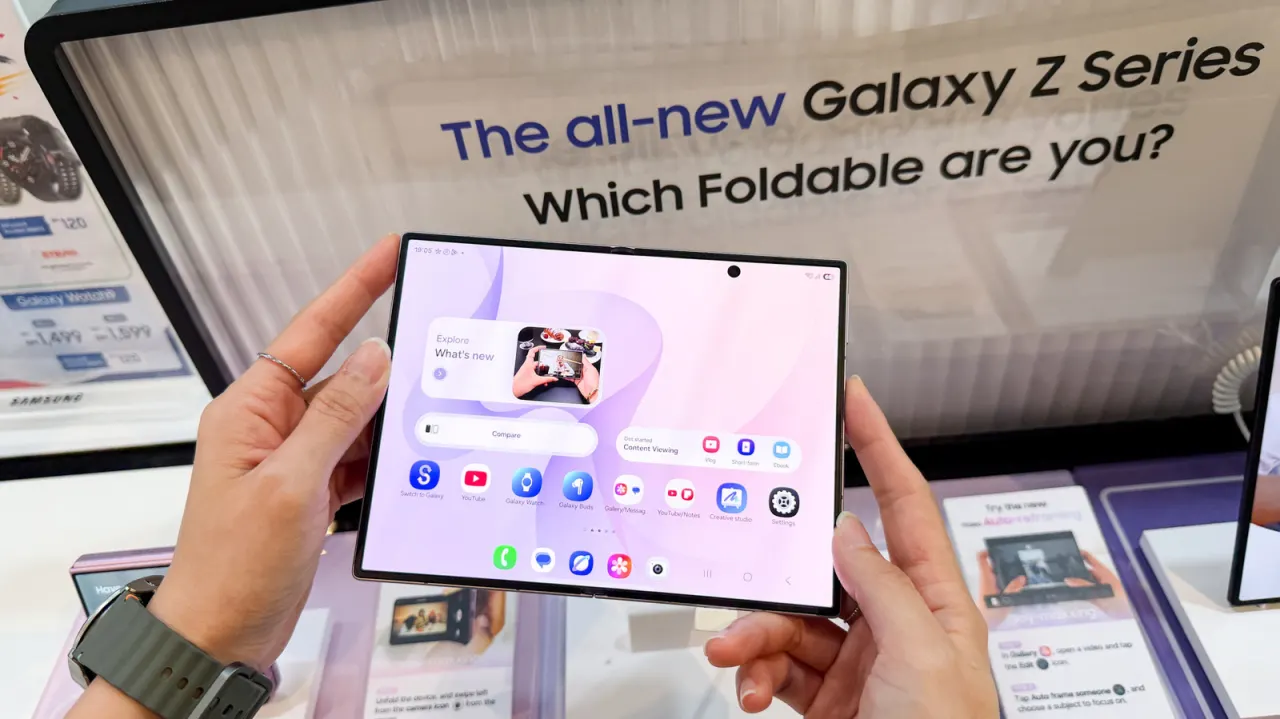
Samsung has made it easier to check warranty coverage on Galaxy phones and tablets running One UI 9, adding a dedicated “Warranty and care” section in Settings. It matters because owners can confirm whether a device is covered and find diagnostics or repair options before deciding where to seek help.
The menu shows the coverage type and expiry date, and may include warranty details for other Galaxy devices linked to the same Samsung account. Owners on older software can check through Samsung Members, or sign in to Samsung’s online devices portal and look under My Products. If the displayed expiry date is wrong, they can submit proof of purchase to request a correction.
- One UI 9 adds warranty details to Settings.
- Samsung Members can help owners on older software.
- The online portal offers another check and a way to dispute dates.
New here? Start with this
Samsung makes Galaxy phones and tablets, while One UI is the software interface they use on top of Android. Warranty cover sets out whether Samsung will repair certain faults for a period after purchase, and when that cover ends.
Samsung account holders can also use services such as Samsung Members and the company’s online devices portal to find product information and support. Checking a device’s cover can help owners understand what repair options may be available and whether they need to provide proof of purchase if a record is inaccurate.
Read the full article at the source →
Originally published by Engadget as “How to quickly check your Samsung Galaxy’s warranty info”.