What to check if your Nintendo Switch 2 isn’t connecting to the TV
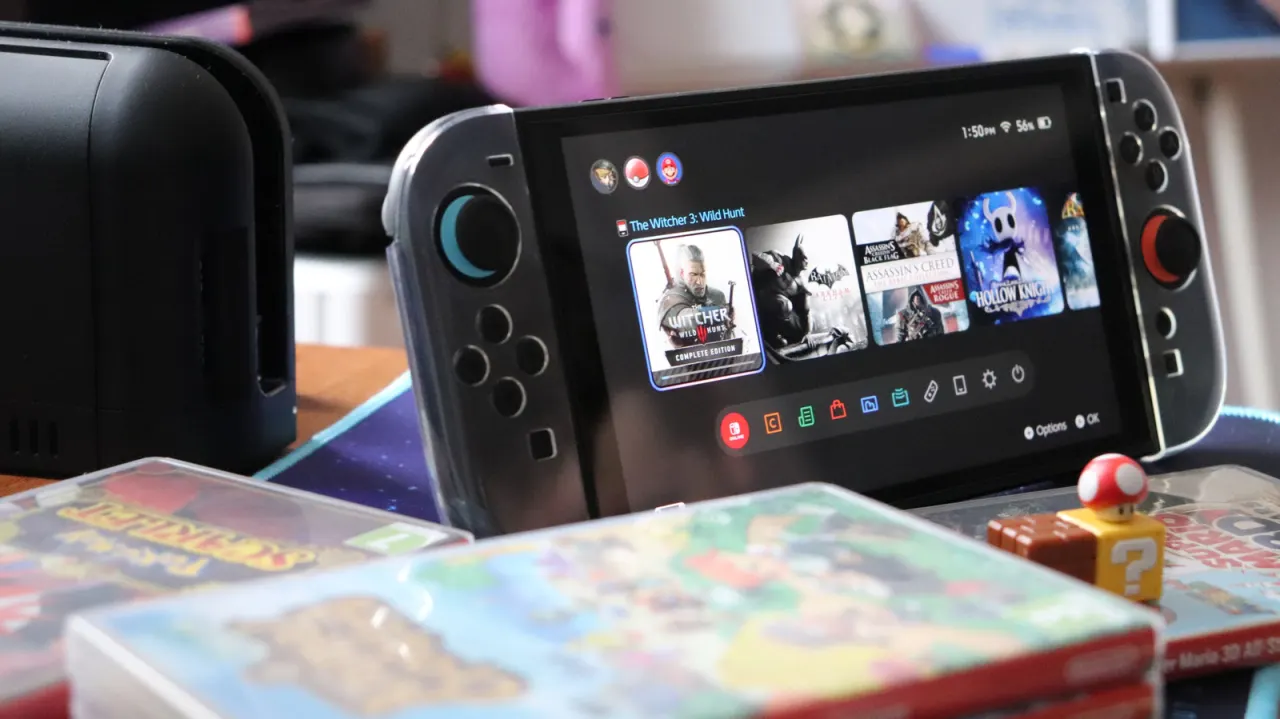
A Nintendo Switch 2 that shows a black screen or fails to connect to a TV may have a power, dock or HDMI compatibility problem. Nintendo recommends fully unplugging the TV and dock, including the power adapter, for about 30 seconds before reconnecting everything.
Check that the console is seated correctly, the dock is powered and the cables are undamaged. The Switch 2 needs an adapter rated for at least 54 watts for continuous TV play, and a compatible Ultra High Speed HDMI cable; the original Switch’s cable is unsuitable. Use an HDMI 2.1 port for the best supported output, and check the TV’s gaming or HDMI settings if the connection still fails.
- Unplug the dock and TV for about 30 seconds, then reconnect.
- Use a power adapter rated for at least 54 watts.
- Check the HDMI cable, TV port and gaming settings.