How to stop fake virus pop-ups on your Windows PC
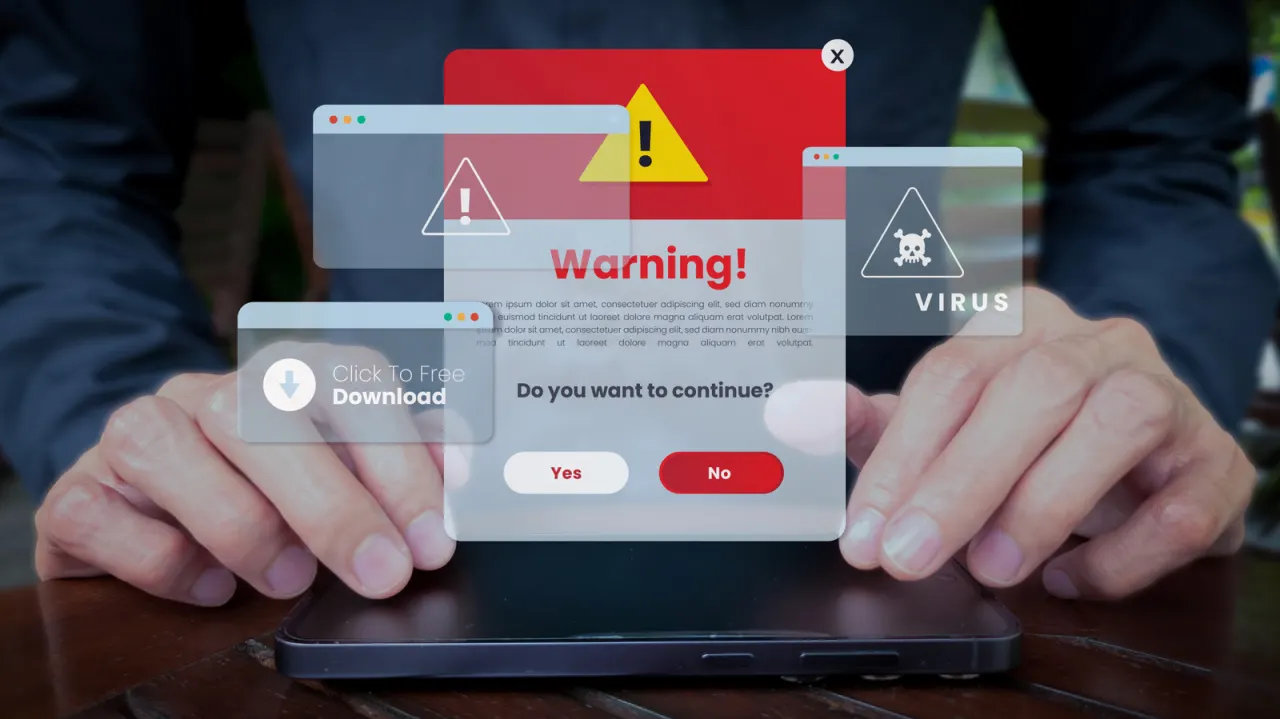
Fake virus alerts on Windows can be scareware designed to frighten people into installing malware, calling bogus support numbers or handing over payment details. They matter because they can appear even during ordinary browsing and may imitate legitimate security companies or Windows warnings.
The alerts can arrive through malicious webpages, compromised adverts or browser notifications a user has allowed; security firm Barracuda says the CypherLoc scareware strain has reached more than 2.8 million people since the start of 2026. The article advises not clicking a full-screen warning: try closing its tab through the browser task manager with Shift + Escape, exit full-screen mode with F11, or force-quit the browser via Windows Task Manager.
- Fake virus warnings may be designed to install malware or steal money.
- CypherLoc has affected more than 2.8 million people since early 2026.
- Avoid clicking alerts; close the tab or force-quit the browser.
New here? Start with this
Fake virus alerts are messages that claim a Windows computer is infected, even when they may come from a webpage or advert rather than the computer’s security software. Some are designed to scare people into downloading harmful software, calling fake support lines or sharing payment details.
They can appear while someone is browsing, including through browser notifications they have previously allowed. The alerts may copy the look of genuine warnings, so it can be difficult to tell who sent them.
Security researchers track these scams because they can reach large numbers of people. Barracuda says one strain, called CypherLoc, has reached more than 2.8 million people since the start of 2026.