Roku apps keep crashing before you hit Play? Here’s why
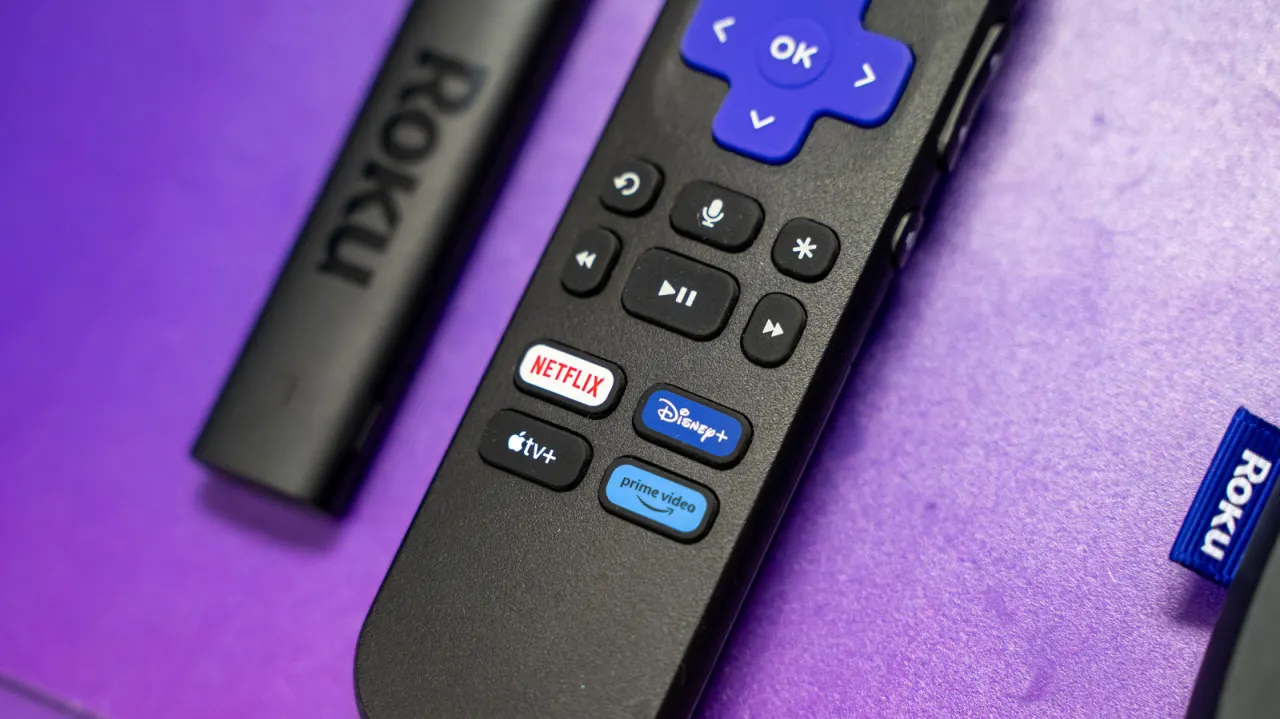
Roku streaming apps can crash because of software bugs, limited device storage or ageing hardware. The article outlines steps users can try before replacing a device, while noting that some faults may take time to resolve or may exceed what troubleshooting can fix.
Roku devices usually update automatically after a restart or after being left on for 24 to 36 hours; users can also check for updates manually. Restarting the system may clear temporary glitches, and deleting unused apps can free storage: even the 2024 Roku Ultra has 4GB. A factory reset is a last resort because it removes apps and settings and requires users to sign in again; older devices may eventually lack the power to run newer software.
In short
- Check for Roku software updates and restart the device.
- Delete unused apps to free up limited storage.
- Factory reset only as a last resort; older hardware may need replacing.
Explained simply
Roku makes streaming players and smart TVs that run apps such as Netflix and Disney+. These apps depend on the device’s software and available storage to work properly, while older hardware may struggle with newer updates.
Crashes can result from software bugs, limited storage or ageing components. Restarting a device, checking for updates or removing unused apps may help, but a factory reset removes saved apps and settings and means signing in again. Some problems may persist, and an older device may no longer be able to run newer software.