Android Auto adds parked play with a limited selection of games
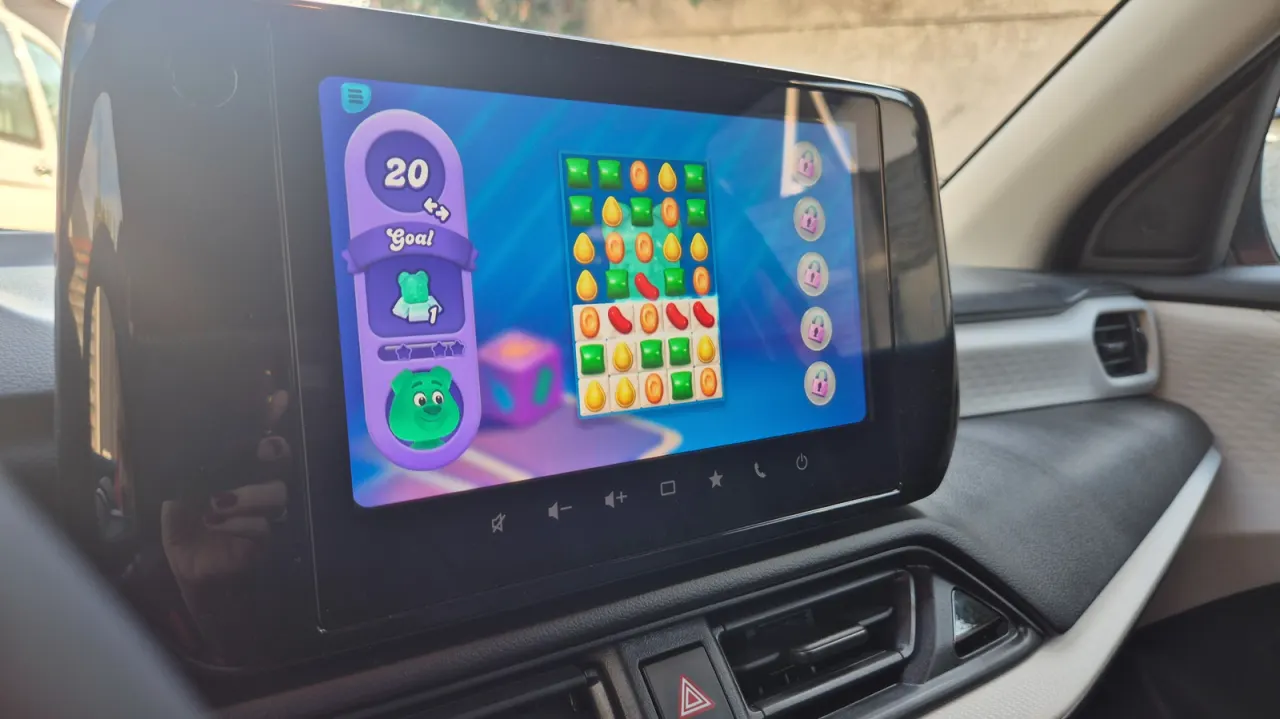
Android Auto now supports games, giving drivers a way to pass time while parked, such as when charging an electric car or waiting for an event to finish. The feature is intended for downtime and cannot be used while driving, including when stopped in traffic.
There are just over 35 compatible games so far, including Angry Birds 2, Candy Crush Soda Saga and Beach Buggy Racing, alongside many children’s titles. Install a supported game from Google Play, connect your Android phone to Android Auto, then launch it from the car’s screen; if it is missing, check the Android Auto launcher settings. Compatible games can use a controller, but phone screen mirroring is not supported.
In short
- Android Auto games are now available when the car is parked.
- More than 35 titles are supported, including Angry Birds 2.
- Install a compatible game and connect your phone to Android Auto.
Explained simply
Android Auto connects an Android phone to a car’s built-in screen, giving drivers access to selected phone features from the dashboard. Google Play is the app store for Android phones, where compatible games can be installed.
The games are designed for times when the car is parked, such as while charging or waiting. They are unavailable while driving, even when stopped in traffic, and the selection is limited to games made to work with Android Auto.
The feature may offer another way to pass time in the car, including for children on longer waits. Some games support a controller, but Android Auto does not mirror the phone’s screen.
Football Gadgets Sport Technology
Read the full article at the source →
Originally published by Engadget as “How to set up your phone games to play on an Android Auto screen”.