6+ ways you can use your PlayStation 5’s USB ports
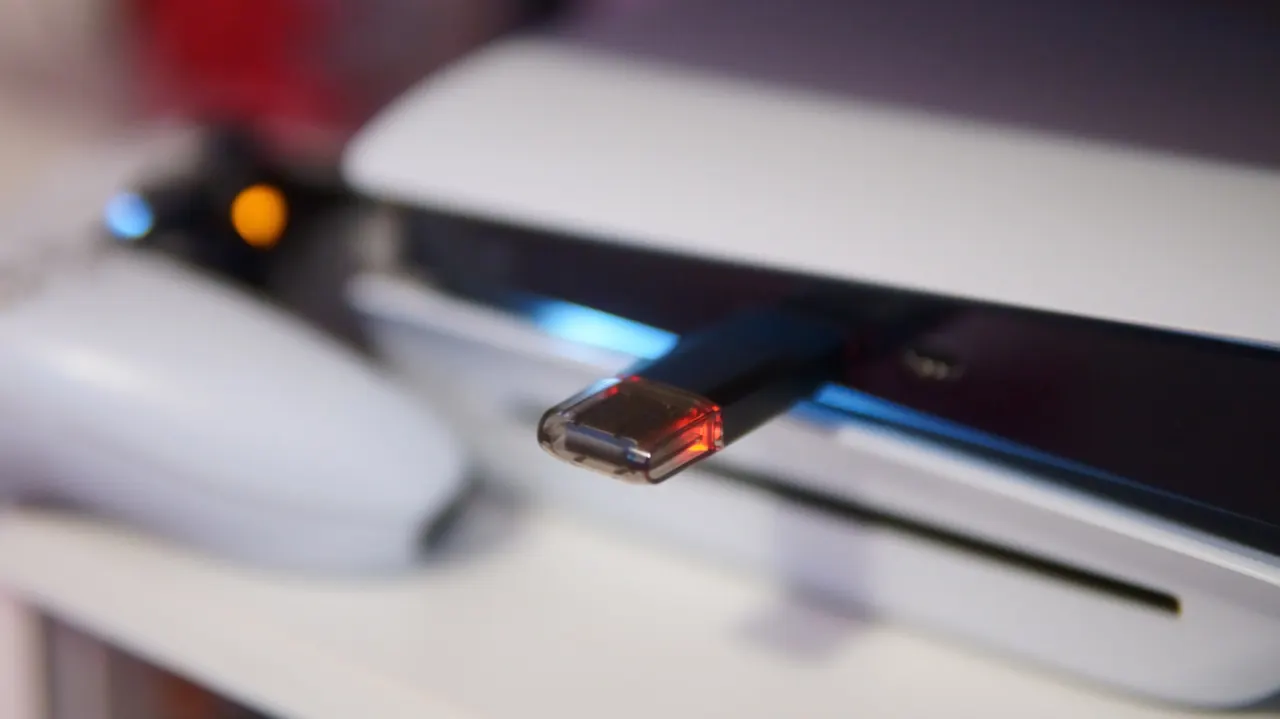
The PlayStation 5’s USB ports can do more than charge controllers: they support external storage, media transfers and accessories such as virtual reality equipment. Knowing which ports offer higher speeds helps avoid connection problems and makes it easier to manage the console’s limited storage.
External drives can store PS4 games and archive PS5 games, which must be moved back to the console’s internal storage or a compatible M.2 SSD before playing. A game storage drive must be USB 3.0 or faster and between 250GB and 8TB; screenshots and video clips require a separately formatted drive. The article also covers charging and pairing DualSense controllers, and notes that PlayStation VR2 needs the console’s faster front USB-C port.
In short
- USB ports support storage, controller charging and accessories.
- External drives can play PS4 games and archive PS5 games.
- PlayStation VR2 needs a fast USB-C port.
Explained simply
The PlayStation 5 has several USB ports, which connect the console to accessories and storage devices. They differ in speed and shape, so some devices work best in particular ports.
External drives can help manage the console’s storage, which is limited. PS4 games can be played from a suitable external drive, while PS5 games can be stored there but need to be moved back to the console or a compatible internal drive before they can be played. USB ports can also connect devices such as controllers and virtual reality equipment.