Apple Watch gestures offer hands-free control for accessibility and convenience
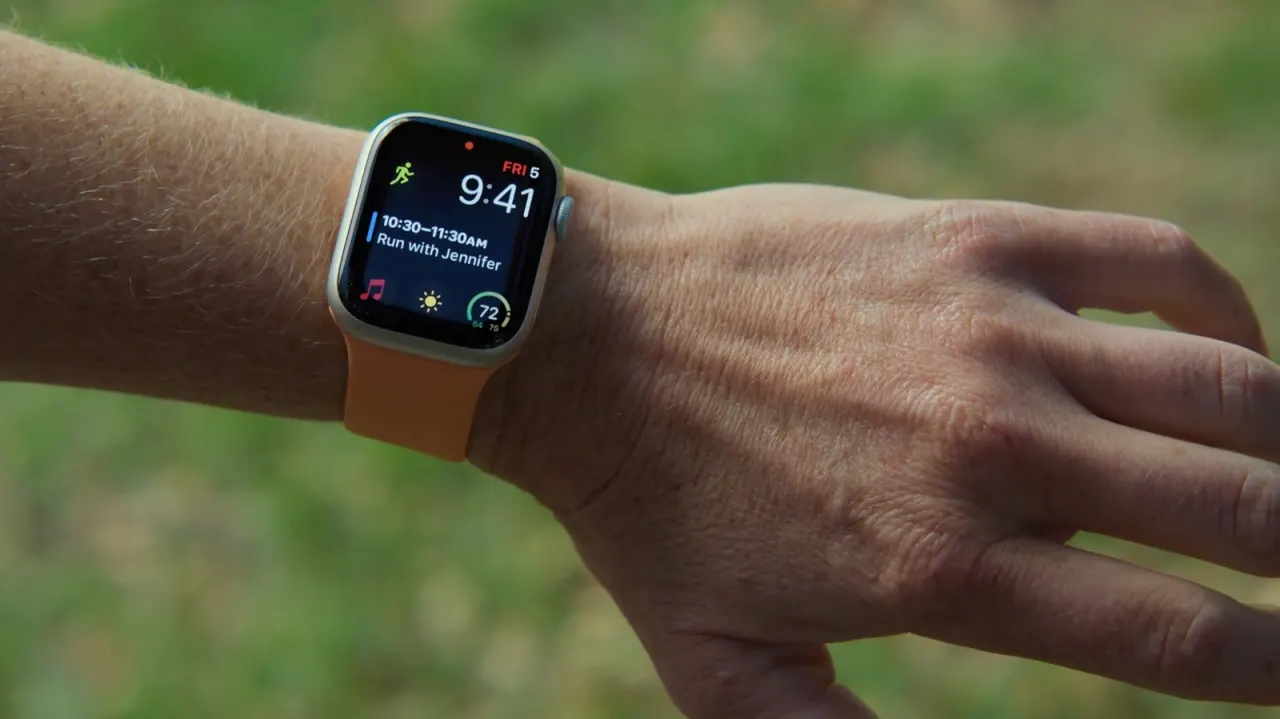
AssistiveTouch lets Apple Watch users navigate and control the device with hand and finger movements, without touching the screen. Designed to support people with motor disabilities, it can also help when hands are full or when wearing gloves.
The feature uses the watch’s built-in motion and heart-rate sensors to recognise gestures, which can be customised for actions such as tapping, scrolling and using Apple Pay. It is enabled in Settings under Accessibility, where a guided tutorial is available. Turning it on disables Apple’s universal double-tap gesture.
In short
- AssistiveTouch controls Apple Watch through hand and finger gestures.
- It can help with accessibility or when hands are occupied.
- Enabling it turns off the universal double-tap gesture.
Explained simply
Apple Watch is a smartwatch that can show notifications, run apps and handle tasks such as payments. Its Accessibility settings include features designed to make the watch easier to use for people with different needs.
AssistiveTouch uses movement and heart-rate sensors to respond to hand and finger gestures, so users can control parts of the watch without touching its screen. The gestures can be assigned to actions such as selecting items or scrolling, which may also be useful when someone’s hands are occupied or covered.
Apple Pay lets people make contactless payments using compatible Apple devices. AssistiveTouch can be set up to control watch functions including Apple Pay, and enabling it turns off the watch’s separate double-tap gesture.
Read the full article at the source →
Originally published by Engadget as “What is AssistiveTouch on your Apple Watch and when should you use it?”.