Technology news and discussion on TalkFuse.
Locked iPhones hide the decline button, but side buttons reject calls
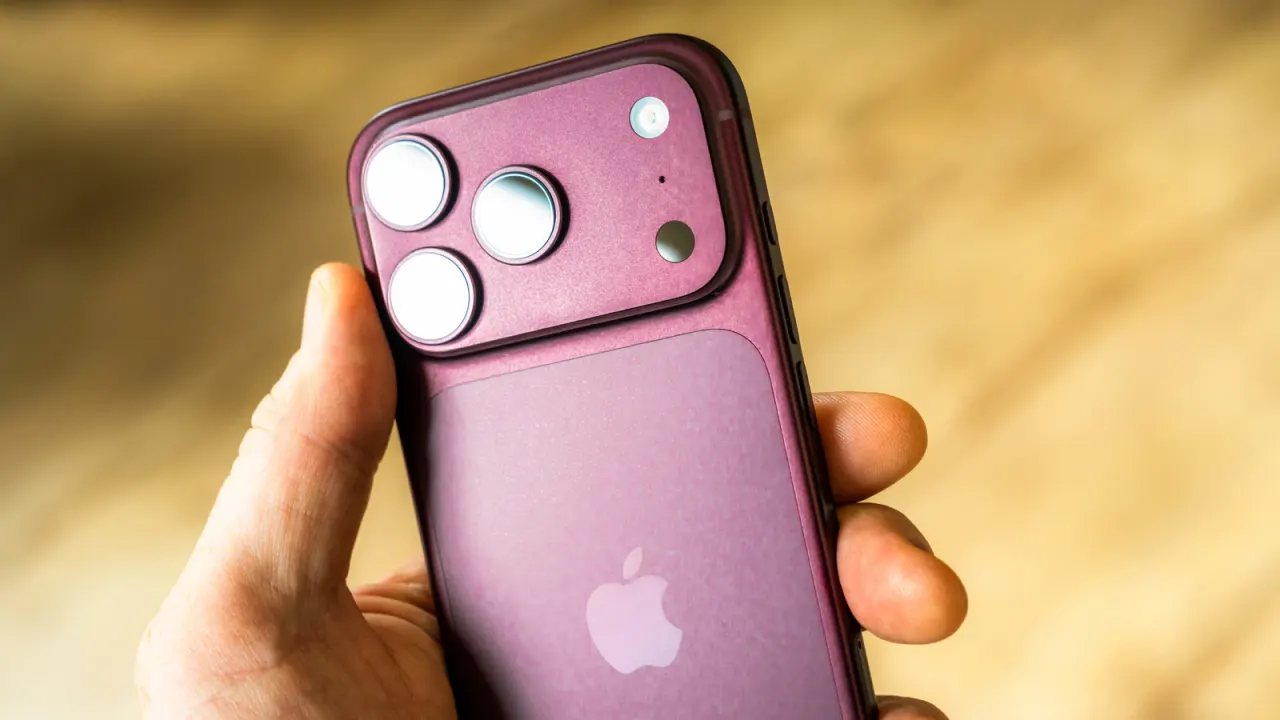
An iPhone shows different incoming-call controls depending on whether it is locked: the locked screen uses “slide to answer”, while an unlocked phone offers separate answer and decline options. This is the default behaviour, though users can still reject or silence calls with the hardware buttons.
Pressing the side button twice declines a call and sends it to voicemail; either volume button silences the ring. A Message option lets callers receive a prepared or custom text explaining why the call cannot be answered, and those replies can be edited in Settings. The article also notes that the FTC received more than 2.6 million Do Not Call complaints in fiscal year 2025, and that iOS 26 can screen unknown callers by asking why they are calling or sending them to voicemail.
In short
- Locked iPhones show “slide to answer”; unlocked ones show decline.
- Double-press the side button to reject, or use volume to silence.
- iOS 26 can screen unknown callers, with trade-offs.
Explained simply
An incoming call is handled differently depending on whether an iPhone is locked or already in use. The screen may show different options, but the phone’s physical buttons can also control what happens to a call.
Apple makes iPhones, and its iOS software includes settings for call handling and for replies sent when someone cannot answer. These features let users respond without picking up, or manage calls from numbers they do not recognise.
Unwanted calls are a wider concern: the US Federal Trade Commission recorded more than 2.6 million complaints to its Do Not Call service in the 2025 financial year. Call screening is one way phone makers try to help users decide which calls to take.
Read the full article at the source →
Originally published by Engadget as “The reason why some iPhone calls don’t have a decline option, and others do”.