Culture news and discussion on TalkFuse.
USB-C’s letter distinguishes the connector type, not its capabilities
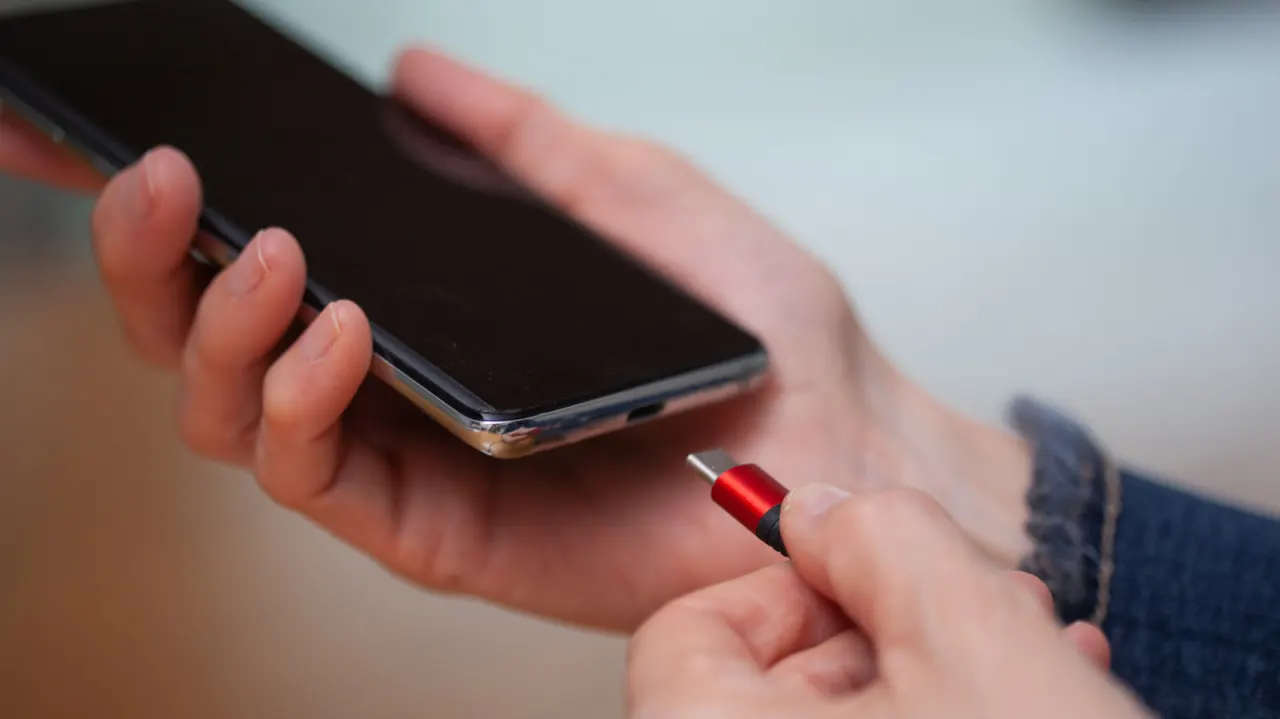
USB Type-C’s “C” is simply a label distinguishing it from earlier USB connector types; it does not stand for “charging”, “connectivity” or the plug’s shape. This matters because the connector’s appearance alone does not tell you how quickly a device can transfer data, charge or drive a display.
USB began with separate Type-A and Type-B plugs for hosts and peripherals, then gained mini and micro versions as smaller devices became common. Finalised in August 2014, Type-C is compact, reversible and uses the same shape at both ends; the capabilities depend on the device and cable. USB4 Version 2.0 can reach 80Gbps through Type-C, but that does not mean every Type-C port supports that speed.
In short
- The “C” is a connector type, not an abbreviation.
- USB-C ports and cables can have different capabilities.
- USB4 Version 2.0 can reach 80Gbps over Type-C.
Explained simply
USB, or Universal Serial Bus, is a standard for connecting devices such as computers, phones and accessories. Earlier versions used different plugs for the computer and the device, with smaller mini and micro plugs later introduced for compact equipment.
Type-C was finalised in 2014 as a smaller plug that can be inserted either way round and used at both ends of a cable. Its letter is just a label for this connector type; it does not describe what the connection can do.
Transfer speed, charging and display support depend on the particular device and cable. USB4 Version 2.0 can reach speeds of up to 80 gigabits per second over Type-C, but a Type-C-shaped port does not necessarily support that standard.
Read the full article at the source →
Originally published by Engadget as “What’s the meaning of the “C” on your USB-C ports?”.