Technology news and discussion on TalkFuse.
How to connect an Apple Pencil to your iPad
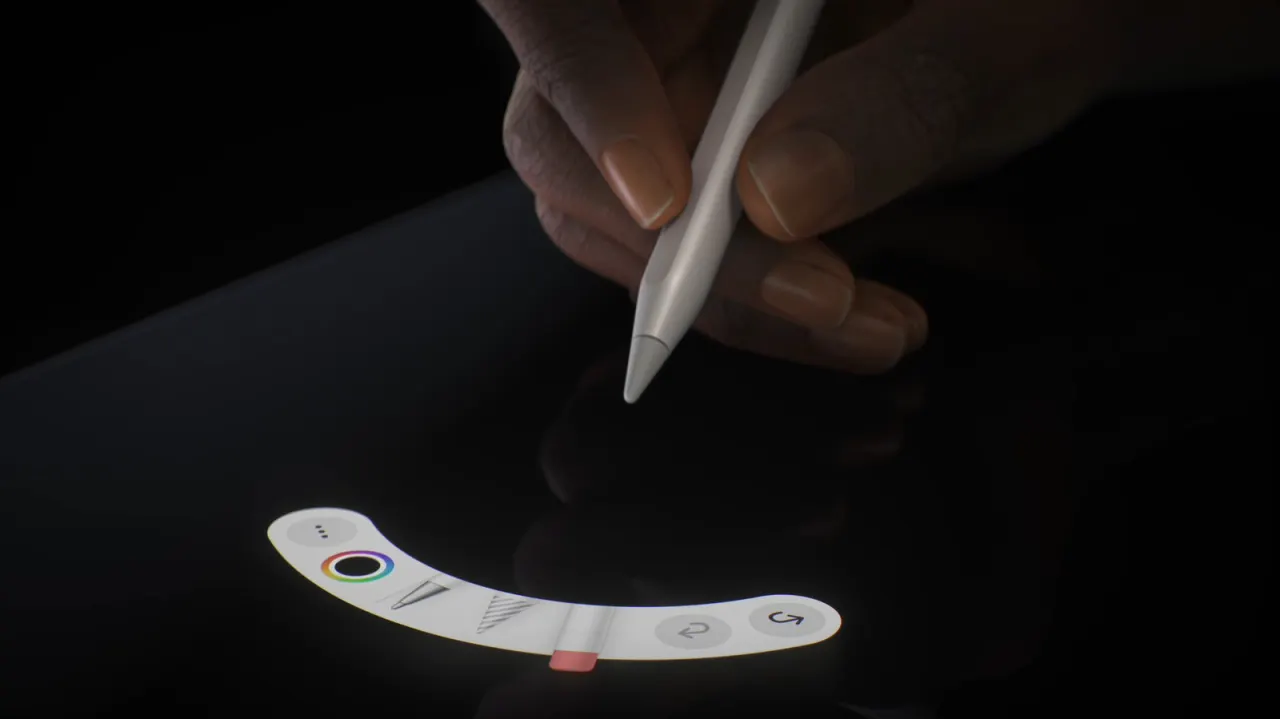
Connecting an Apple Pencil to an iPad is straightforward, but the steps depend on which Pencil you have. Compatibility varies across iPad models, so checking that the two devices work together is important before buying or troubleshooting.
The USB-C Pencil pairs when plugged into the iPad and confirmed on screen; the Pencil Pro and second-generation model pair magnetically, while the first-generation Pencil connects through its Lightning plug. Some base iPads need an adapter for the first-generation Pencil, and the first-generation and USB-C models may need pairing again after a restart or Bluetooth is switched off. If pairing fails, the article suggests reconnecting the Pencil, restarting and updating the iPad, checking Bluetooth, charging the Pencil and removing the iPad case.
In short
- Pairing steps depend on the Pencil model.
- Check compatibility before buying or pairing.
- Reconnect, update or charge if pairing fails.