Technology news and discussion on TalkFuse.
12Members
8Posts
1Active now
14,768Stories
How to use your laptop as a second monitor
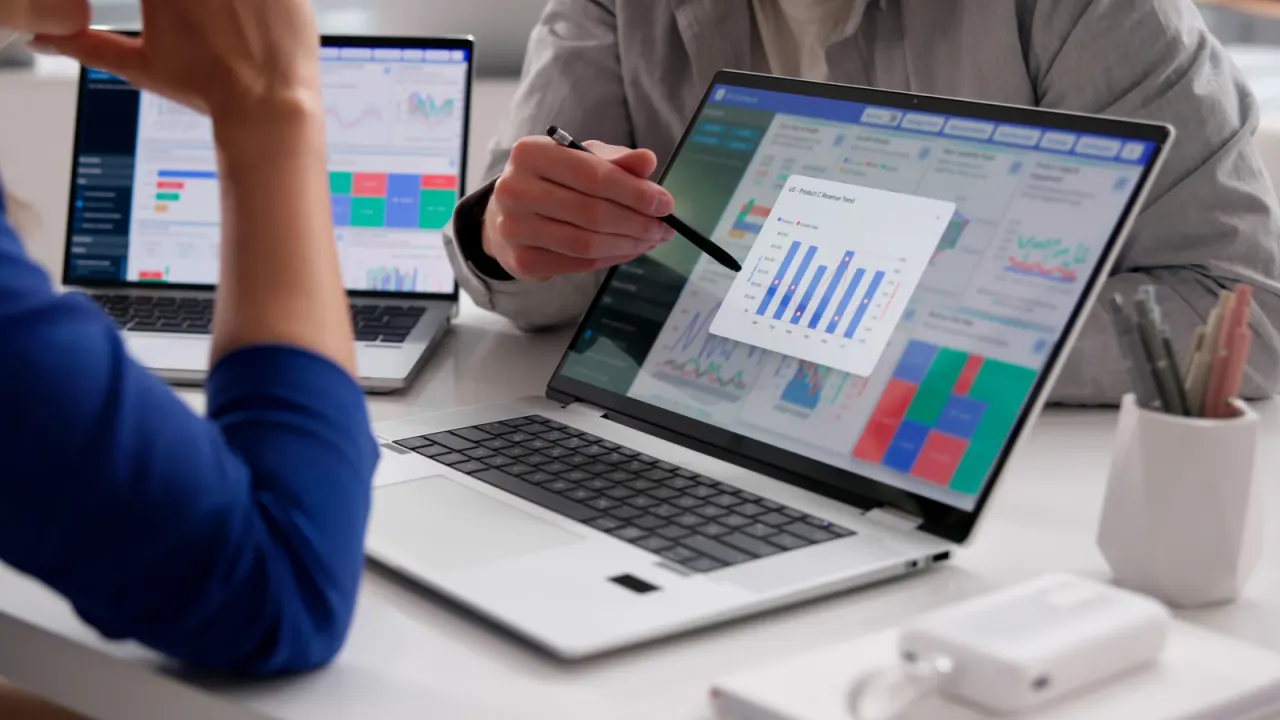
A spare laptop can serve as a second display, giving you more room for tabs and multitasking without buying another monitor. The setup depends on the computers’ operating systems, and using an HDMI cable alone usually will not make a laptop act as a screen.
Windows 10 and 11 PCs can connect wirelessly using Miracast, while compatible MacBooks from 2018 onwards can use AirPlay when both are signed into the same Apple ID. For devices running different systems, the article describes Deskreen, which works over Wi-Fi; extending the display with it requires a virtual display adaptor. Wireless connections may lag, making them less suitable for gaming.
In short
- A spare laptop can add screen space without buying a monitor.
- Windows uses Miracast; compatible Macs can use AirPlay.
- Cross-platform extension with Deskreen needs a virtual display adaptor.