Technology news and discussion on TalkFuse.
Check your phone’s eSIM support by looking for its EID
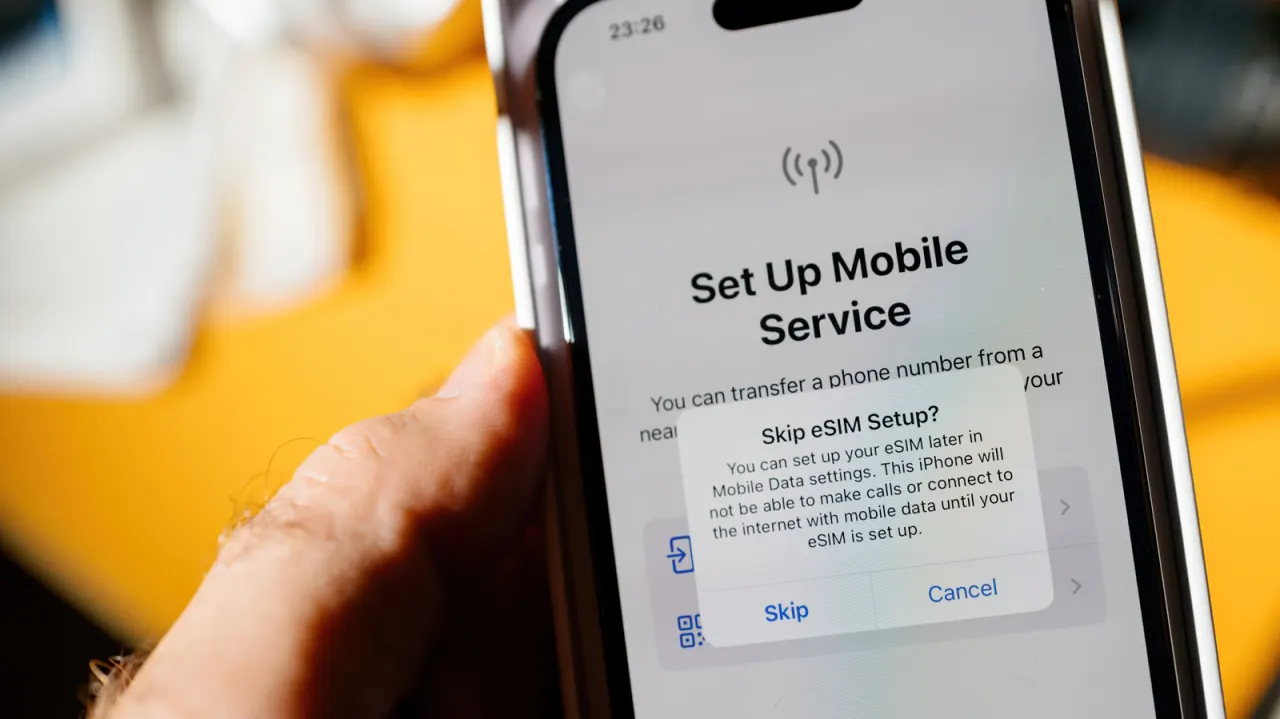
An EID is a quick way to check whether a phone has an eSIM chip, which can let people activate a mobile plan digitally and avoid swapping physical SIM cards. This is useful for travelling, when a local data plan may be cheaper than roaming, and for using two phone numbers on one device.
Dialling *#06# should display device details, including the EID, on iPhone and Android phones. iPhones from the XS, XS Max and XR onwards support eSIM, while Android availability varies by model and region; an EID alone does not guarantee another carrier’s plan will work. The phone must be unlocked to use a different provider, and that provider must support eSIM activation.
In short
- Find your phone’s EID to check for eSIM support.
- Dial *#06# or check your phone’s settings.
- Travel eSIMs require an unlocked phone and a compatible provider.
Read the full article at the source →
Originally published by Engadget as “How to tell if your phone supports eSIM”.