Technology news and discussion on TalkFuse.
How to use your iPhone to take the best picture of the Moon
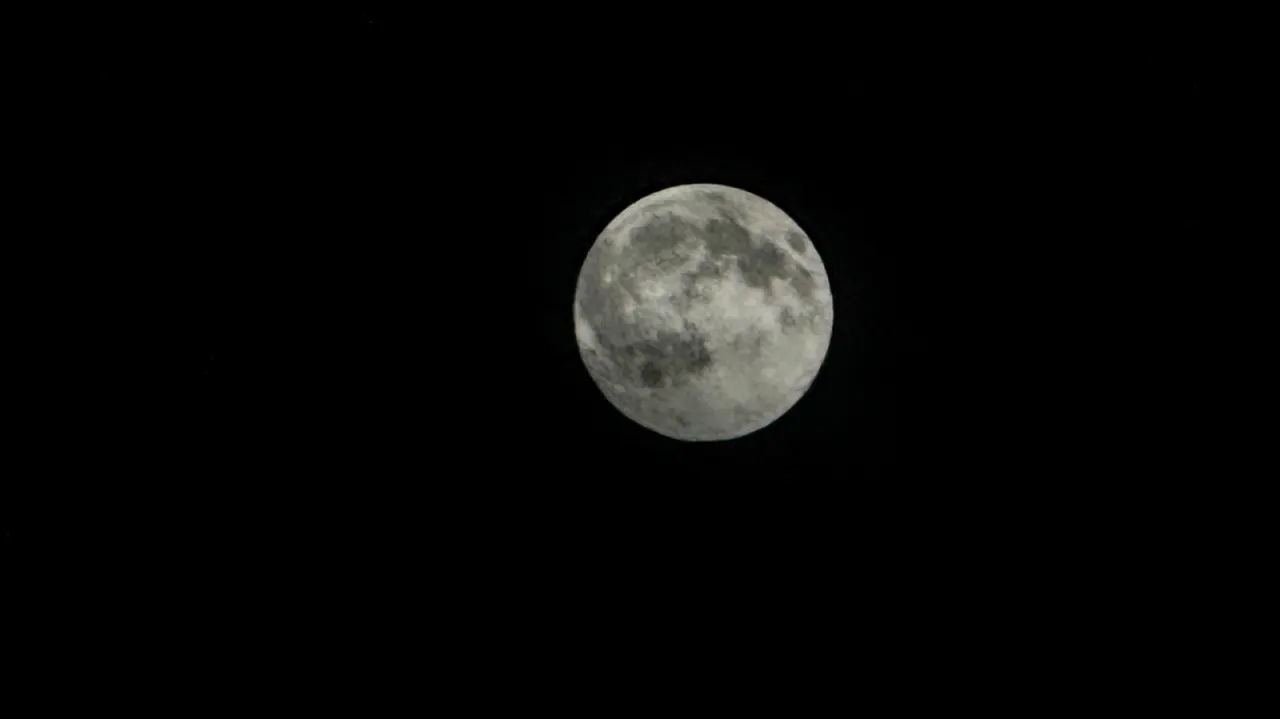
iPhone users can capture more detailed photos of the Moon by reducing exposure and brightness, zooming in and keeping the phone steady. These adjustments help prevent the camera from turning the bright lunar surface into a featureless white disc against the dark sky.
The article says the camera’s exposure system may over-brighten the scene and slow the shutter, increasing blur. It recommends setting exposure to -2EV where available, locking focus and exposure by holding on the Moon, then lowering the brightness slider; a tripod or a three-second timer can reduce movement. Zoom options vary by model: recent Pro models offer up to 8x optical-quality zoom, while standard iPhone 17 and 18 models offer 4x.
In short
- Lower exposure to reveal lunar detail.
- Lock focus, then reduce brightness.
- Use zoom and steady the phone.