Technology news and discussion on TalkFuse.
Most iPhones can measure elevation changes using a built-in pressure sensor
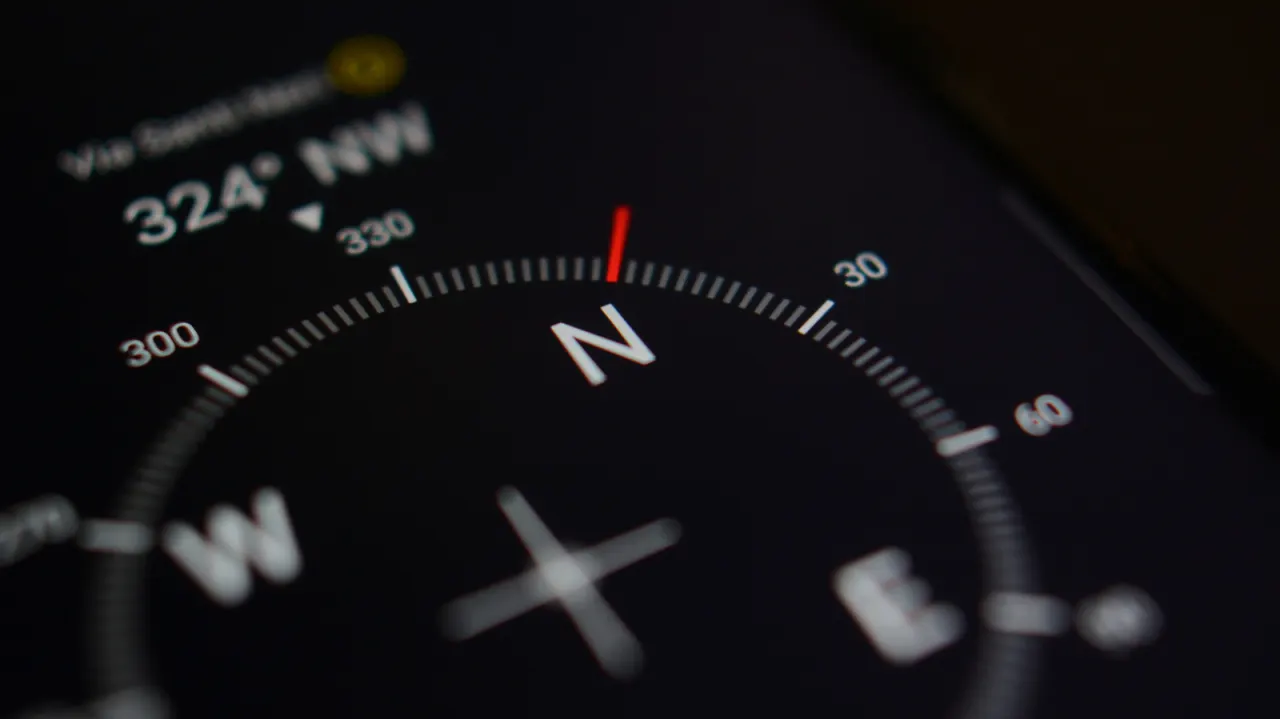
Most iPhones since the iPhone 6 have included a barometer, which helps estimate changes in elevation by measuring air pressure. The sensor matters because it supplies data used by features such as stair and step tracking, and can support fitness and outdoor apps, though it cannot distinguish a climb from changing weather on its own.
Apple does not provide a dedicated barometer app, and its Weather app gets pressure readings from external sources rather than the phone’s sensor. To see the built-in sensor’s measurements, use an app that explicitly supports it; examples include Barometer & Altimeter & Thermo and My Altitude, which can also draw on GPS or weather data for calibration. The first-generation iPhone SE is an exception to the otherwise broad availability of the sensor.
In short
- Most iPhones since 2014 have a barometer.
- It helps estimate elevation changes but can be affected by weather.
- A compatible third-party app is needed to view sensor readings.
Explained simply
A barometer measures air pressure, which usually falls as you go higher. By tracking pressure changes, a phone can estimate changes in elevation, but pressure can also shift with the weather, so the sensor cannot tell on its own whether someone has climbed or conditions have changed.
Apple has included a barometer in most iPhones from the iPhone 6 onwards, with the first-generation iPhone SE as an exception. Its readings can help support step and stair tracking and some fitness or outdoor apps; to view them directly, users need an app that can access the sensor, as Apple does not provide a dedicated barometer app.
Read the full article at the source →
Originally published by Engadget as “Your iPhone has a built-in barometer — Here’s how to use it”.