Technology news and discussion on TalkFuse.
Windows tools show which graphics hardware your PC uses
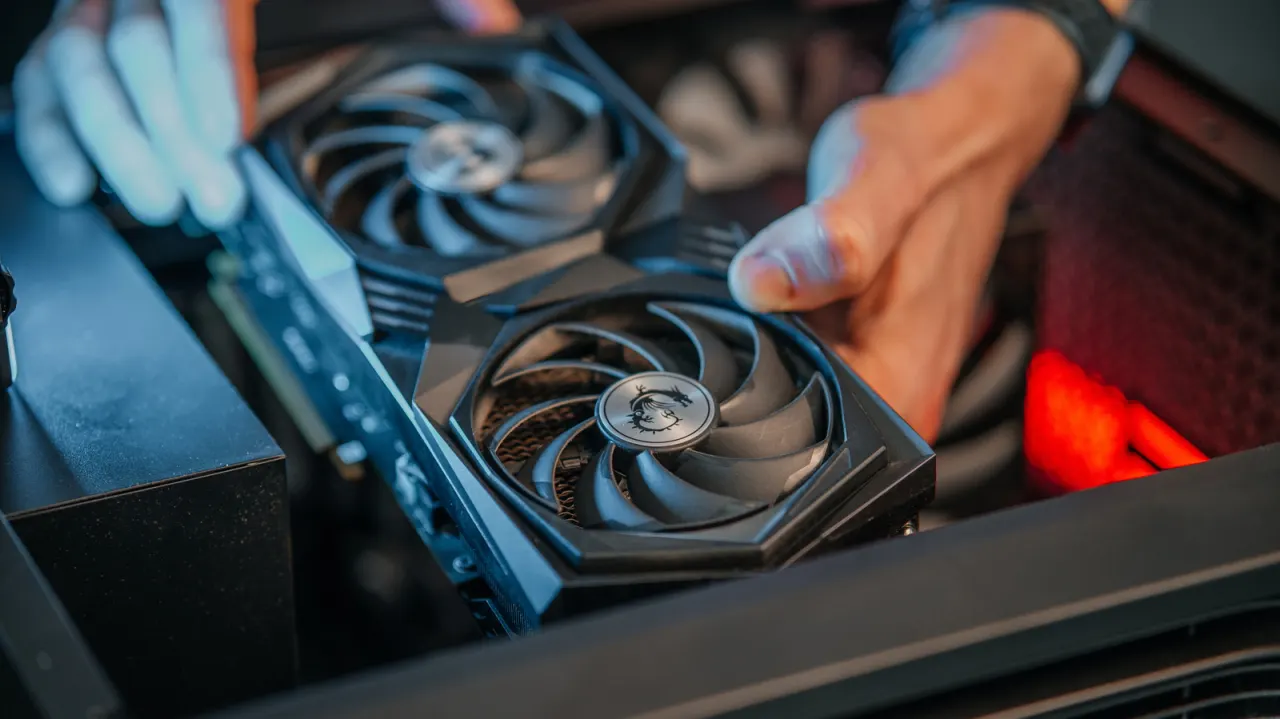
Windows provides several built-in ways to identify the graphics hardware in a PC, which can help people check game requirements, investigate performance problems or decide whether an upgrade is needed. This matters because a computer may have both integrated and dedicated graphics, and its processor brand or a case sticker may not reveal which GPU is installed.
Task Manager’s Performance section shows graphics hardware, memory, drivers and, on supported devices, temperature; Device Manager lists adapters and driver details, while the DirectX Diagnostic Tool shows graphics and DirectX information. GPU numbers in Task Manager indicate hardware location, not power, and shared memory is system RAM the GPU can borrow. A “Microsoft Basic Display Adapter” entry means Windows is using a generic driver, so updating the graphics driver may help with troubleshooting.
In short
- Windows can identify your GPU without extra software.
- PCs may have both integrated and dedicated graphics.
- Task Manager, Device Manager and dxdiag show GPU details.
Read the full article at the source →
Originally published by Engadget as “Where you can find which GPU you have in your Windows PC”.