Entertainment news and discussion on TalkFuse.
How to set up surround sound with Apple TV 4K and HomePods
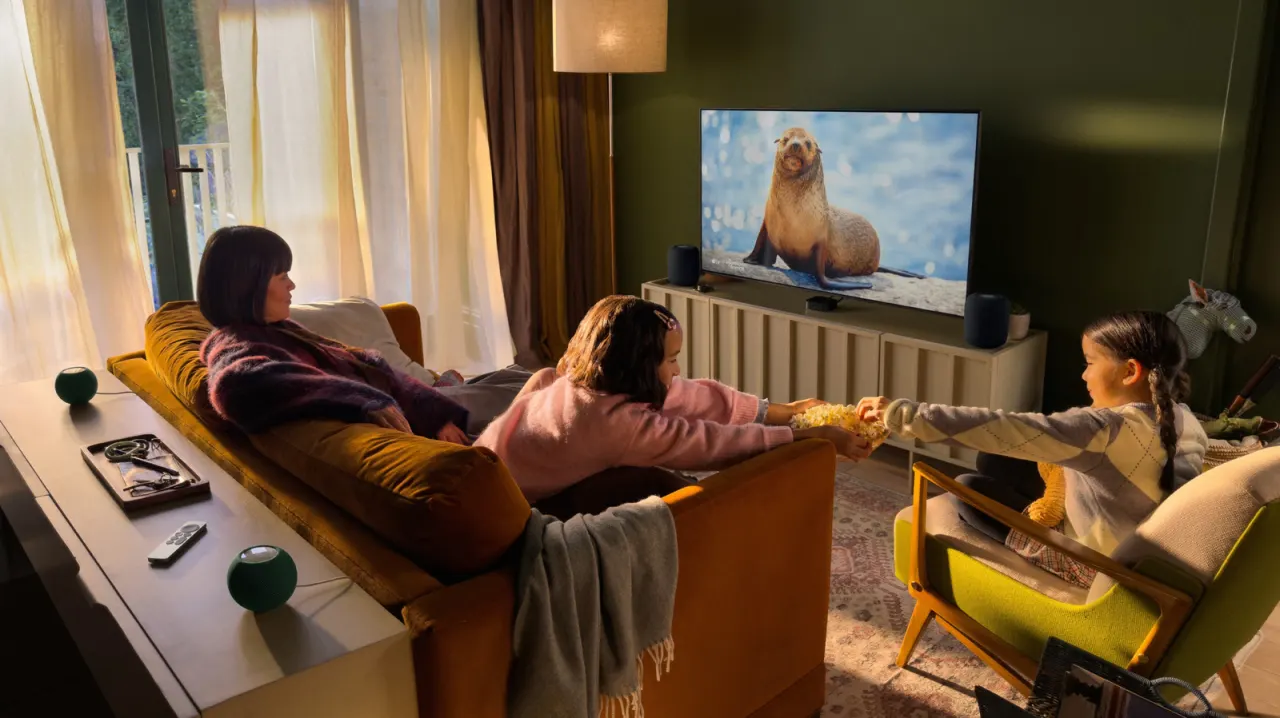
Apple’s fourth-generation Apple TV 4K can create a surround sound home theatre system with up to four compatible HomePods, bringing cinema-style audio to a living room. The feature matters because it is limited to the new Apple TV model, so owners of earlier versions cannot use it.
The setup requires two or four second-generation HomePods or HomePod mini 2 speakers, with matching models in the front and rear pairs. Devices need the latest software and must be assigned to the same room in the Home app; users then group the speakers as a Home Theatre and follow Apple TV prompts to place and tune them. The Apple TV costs $299, while four speakers can bring the total to as much as $1,700; two speakers can instead be used for stereo.
In short
- Surround sound requires the fourth-generation Apple TV 4K.
- Up to four compatible HomePods can be grouped and tuned.
- The full setup can cost as much as $1,700.
Explained simply
Apple TV 4K is Apple’s device for watching streaming services and other video on a television. HomePods are Apple speakers that can play audio and work with Apple devices. Used together, they can send different parts of a film’s soundtrack to speakers placed around a room, creating a home cinema-style effect.
The system depends on compatible Apple TV and HomePod models, and the speakers need to be set up through Apple’s Home app. HomePod models must match within the front and rear pairs, and the devices need current software. The cost can vary with the number of speakers, so some households may choose a two-speaker stereo setup instead.