Technology news and discussion on TalkFuse.
Common causes of a phone losing its mobile network connection
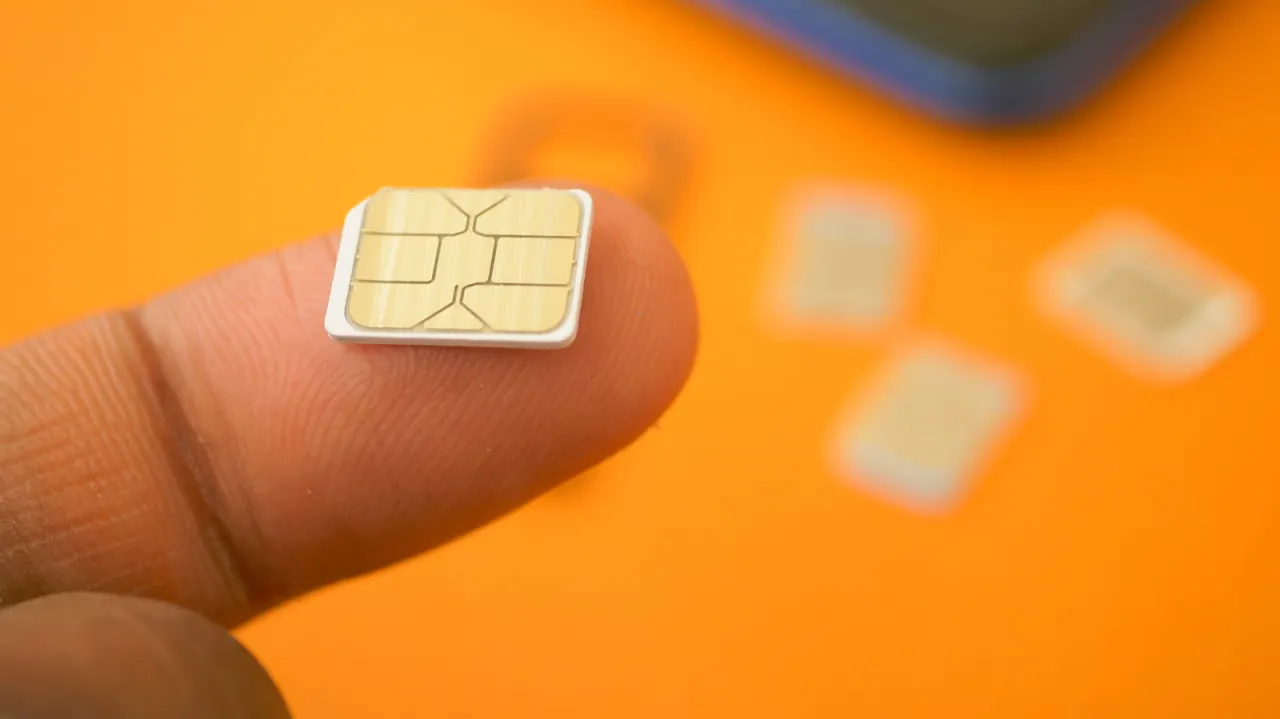
A ‘No SIM’ or ‘No service’ alert can stop a phone from making calls and sending texts, even though the device still powers on. The problem may come from a poorly seated SIM, a carrier outage, software settings, an account issue or weak coverage, so checking the cause can help identify the right fix.
The article suggests removing and reinserting a physical SIM, checking whether other customers on the same network have service, and reviewing eSIM settings, including data roaming when travelling. Toggling airplane mode or resetting network settings may resolve software problems; a network reset removes saved network connections, so Wi-Fi details must be entered again. It also recommends checking that the mobile bill is paid and considering whether coverage is available where you are.
In short
- A SIM error can have several causes beyond a faulty card.
- Try reseating the SIM or toggling airplane mode.
- Check carrier status, account payments and local coverage.
Read the full article at the source →
Originally published by Engadget as “Why does your phone say no service even with a SIM card?”.