Technology news and discussion on TalkFuse.
Common reasons why some USB ports are red
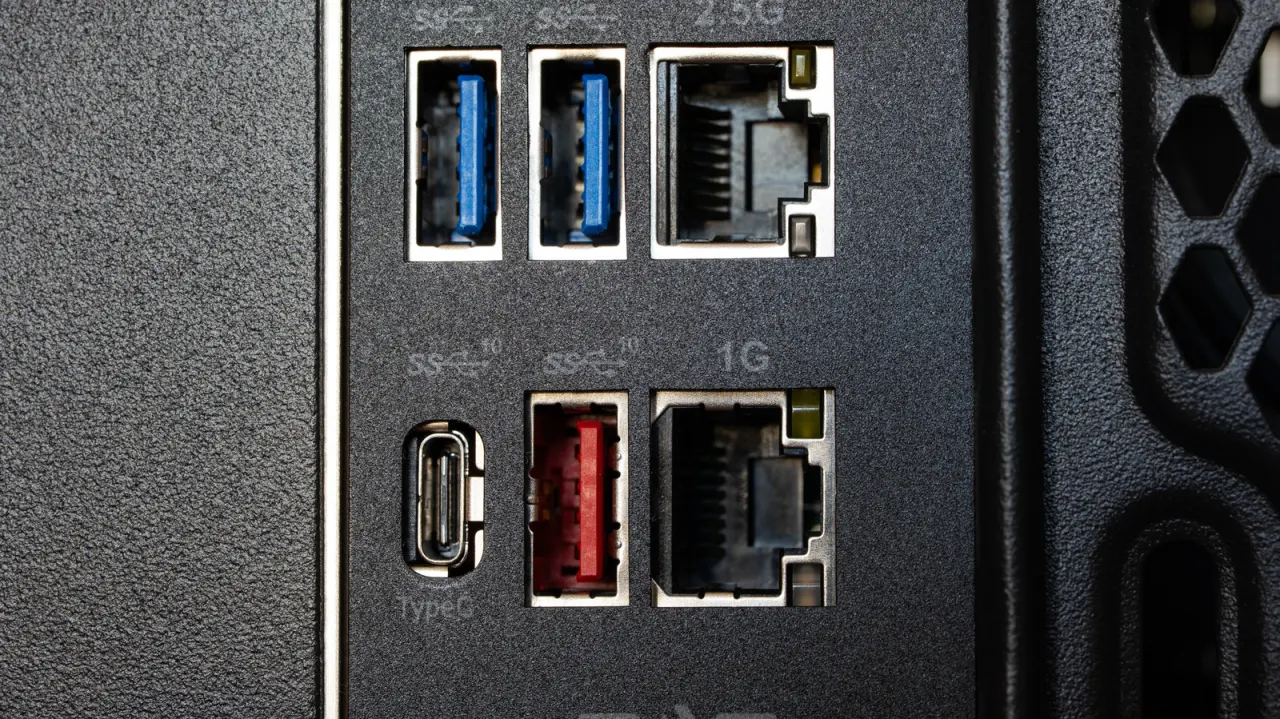
Red USB ports often indicate a high-speed connection or a port that can keep charging devices while a computer is off. The colour can help identify a useful port for fast data transfers or overnight charging, but it is not a reliable standard.
USB standards are set by the USB Implementers Forum, which does not specify port colours, so manufacturers choose what red means. Red ports commonly use USB 3.1 Gen 2 or USB 3.2, with transfer rates of up to 20 Gbps; USB4 can reach 40 to 80 Gbps but uses USB-C and is not colour-coded. Check the device manual or port symbols such as “SS”, a speed number or a lightning bolt to confirm its features. USB ports are backward compatible, so using a different generation should still work, though speed or power may be limited.
In short
- Red often means faster data transfer.
- Some red ports provide power when the computer is off.
- Check the manual or port symbols to confirm.