Technology news and discussion on TalkFuse.
13Members
8Posts
1Active now
17,487Stories
How to pair your Bluetooth headphones to your Windows PC
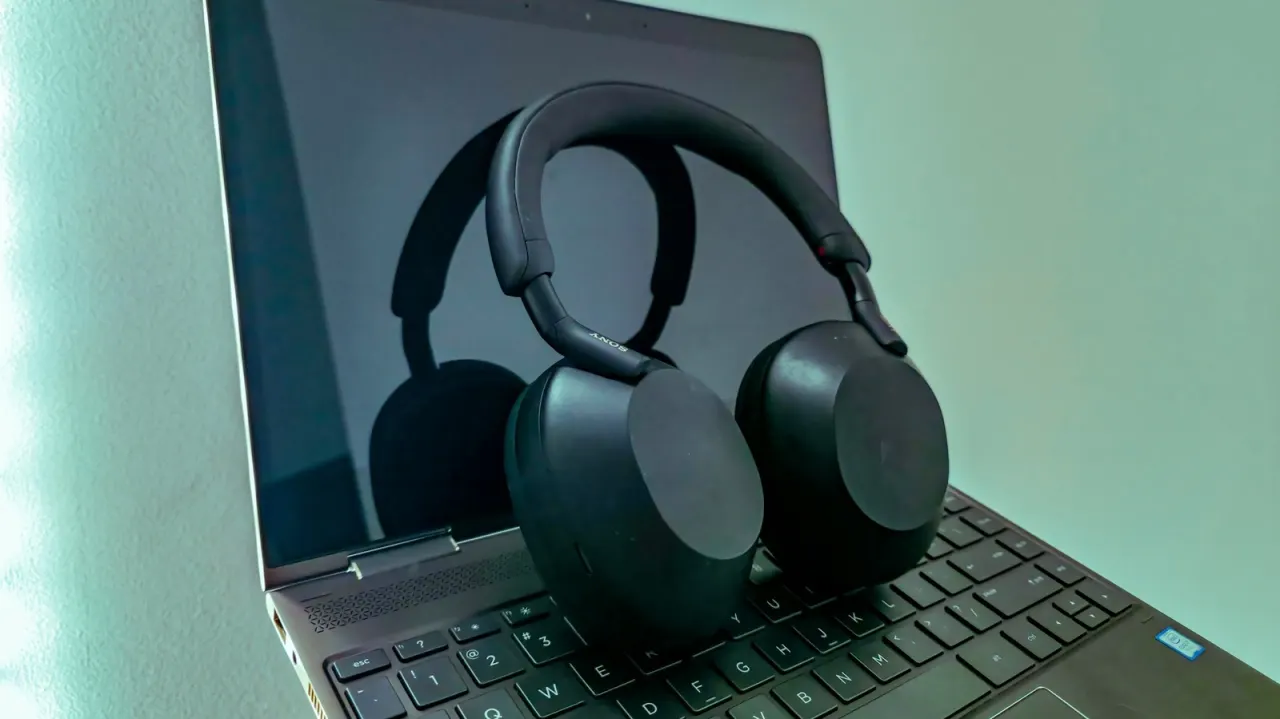
The article explains how to connect Bluetooth headphones or earbuds to a Windows 11 PC, noting that the process is usually straightforward but can be fiddly. It matters because Windows 11 Bluetooth reliability has been a recurring problem, so pairing issues may stem from the computer rather than user error.
Users can turn on Bluetooth through the taskbar’s quick settings or Settings, put their headphones into pairing mode, then select them from the list of available devices. Some models support Swift Pair, which prompts users to connect and can reconnect automatically later; if pairing fails, the article suggests updating wireless drivers or restarting the PC.
In short
- Turn on Bluetooth and put headphones into pairing mode.
- Select them from the PC’s Bluetooth device list.
- Swift Pair can simplify setup on supported headphones.