Technology news and discussion on TalkFuse.
What the green flashing light on your Roku remote is telling you
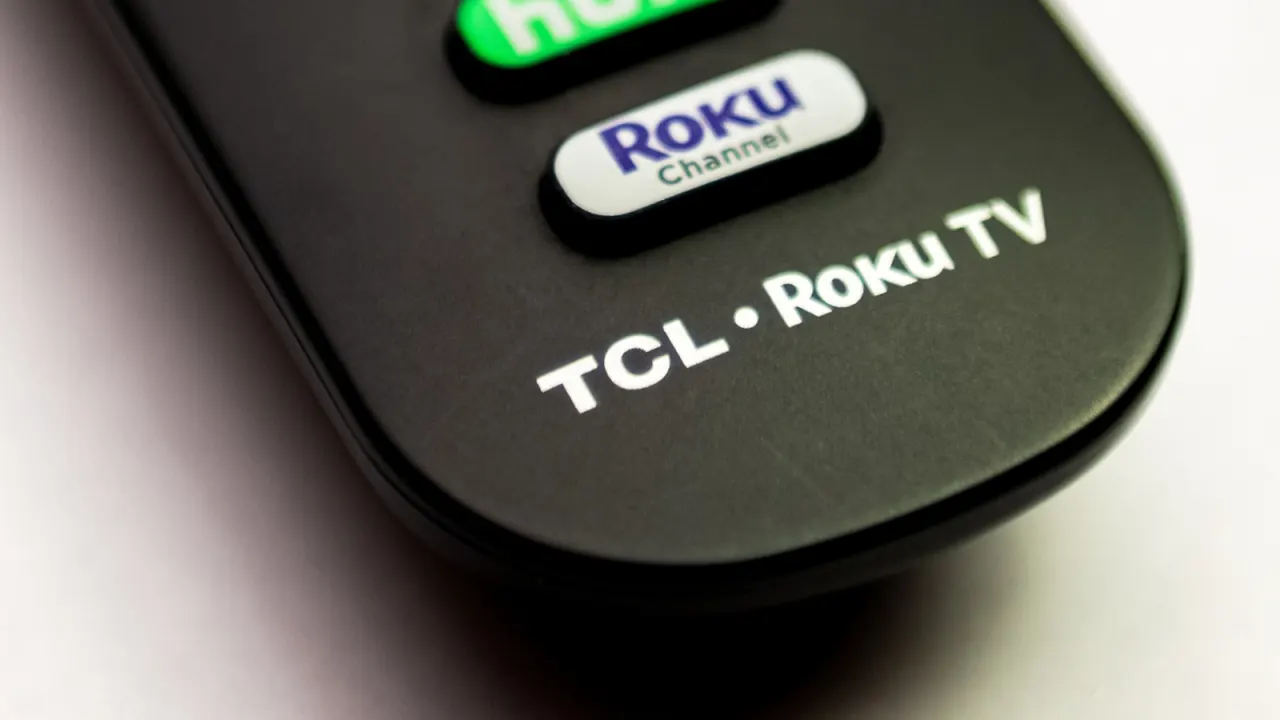
A flashing green light on a Roku remote usually signals low batteries or that the remote is pairing, rather than a fault with the streaming device. Knowing which it is can help users restore control quickly and avoid resetting Roku unnecessarily.
For replaceable batteries, Roku recommends alkaline batteries; built-in batteries may need recharging. To pair a remote, use the on-screen settings and hold its pairing button, or Back and Home, for five seconds. Rapid flashing after pairing may mean the remote is faulty and needs replacing; users can also control Roku through its phone app.
In short
- Green flashing often means low batteries or pairing.
- Rapid flashing after pairing may indicate a faulty remote.
- The Roku phone app can provide backup control.
Explained simply
Roku makes streaming players and televisions that let people watch services such as subscription video apps on their screens. A Roku remote sends commands to the device, either through replaceable batteries or a built-in rechargeable battery.
Some Roku remotes need to be paired with a player or television so the two can communicate. The remote’s light can help indicate whether it is connecting or needs power, and the Roku mobile app can also be used to control a device.