Technology news and discussion on TalkFuse.
The biggest downsides to using Apple’s Magic Mouse
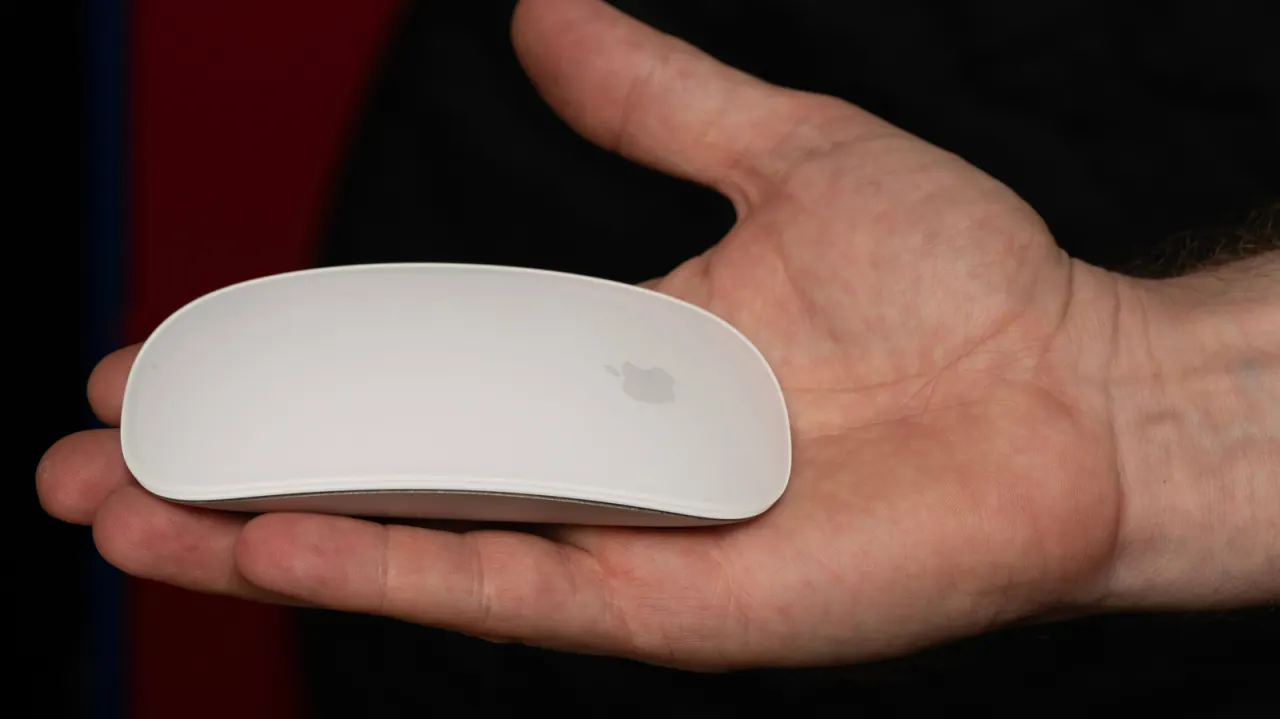
Apple’s Magic Mouse offers useful Multi-Touch gestures and a minimalist design, but several longstanding choices make it uncomfortable or inconvenient for some people. The most criticised is its charging port on the underside: the mouse cannot be used while charging, and Apple kept this design in the 2024 USB-C refresh.
The mouse’s low, slim shape provides little palm support, and its aluminium edges may bother some grips. Priced at $79 in white or $99 in black, it also lacks a middle-click and programmable thumb button, which can limit tasks such as navigating CAD drawings; its touch surface can register accidental swipes, though some reported tracking problems may be isolated. Battery life is around a month or more between charges, and Mac users can choose third-party mice, with the trade-off of losing Apple’s gestures.
In short
- The underside charging port prevents use while charging.
- Its slim shape and limited buttons can frustrate some users.
- Multi-Touch gestures are useful, but alternatives work with Macs.
Steelman: both sides, in good faith
The strongest fair case each way — we don't pick a winner.
The case for
The Magic Mouse’s slim design and Multi-Touch surface offer a simple, distinctive experience that suits users who value gestures and a minimalist look. Its battery can last a month or more, and some people may find its shape comfortable; those who prefer it can accept charging downtime and the price as trade-offs.
The case against
The underside charging port makes the mouse unusable while it charges, a limitation Apple retained in the USB-C refresh. Its low profile, firm edges, missing middle-click and thumb button, and relatively high price can make it uncomfortable or less practical for people doing precision work or using common mouse shortcuts.
Explained simply
Apple’s Magic Mouse is a wireless mouse made by Apple for use with its computers. Its smooth touch surface supports gestures such as scrolling, while its low, slim shape and aluminium finish give it a minimalist design.
The shape offers little support for the palm, and some people find the edges uncomfortable to grip. The touch surface can also respond to unintended swipes. It has no middle-click or programmable thumb button, features that can be useful for tasks such as navigating design software.
The Magic Mouse’s charging port is on its underside, so it cannot be used while plugged in to charge. Mac users can choose other mice, though they may lose access to Apple’s built-in touch gestures.