Entertainment news and discussion on TalkFuse.
13Members
8Posts
1Active now
57,971Stories
PSA: You Can Now Turn Off The Border Graphic In Switch Online’s GameCube App
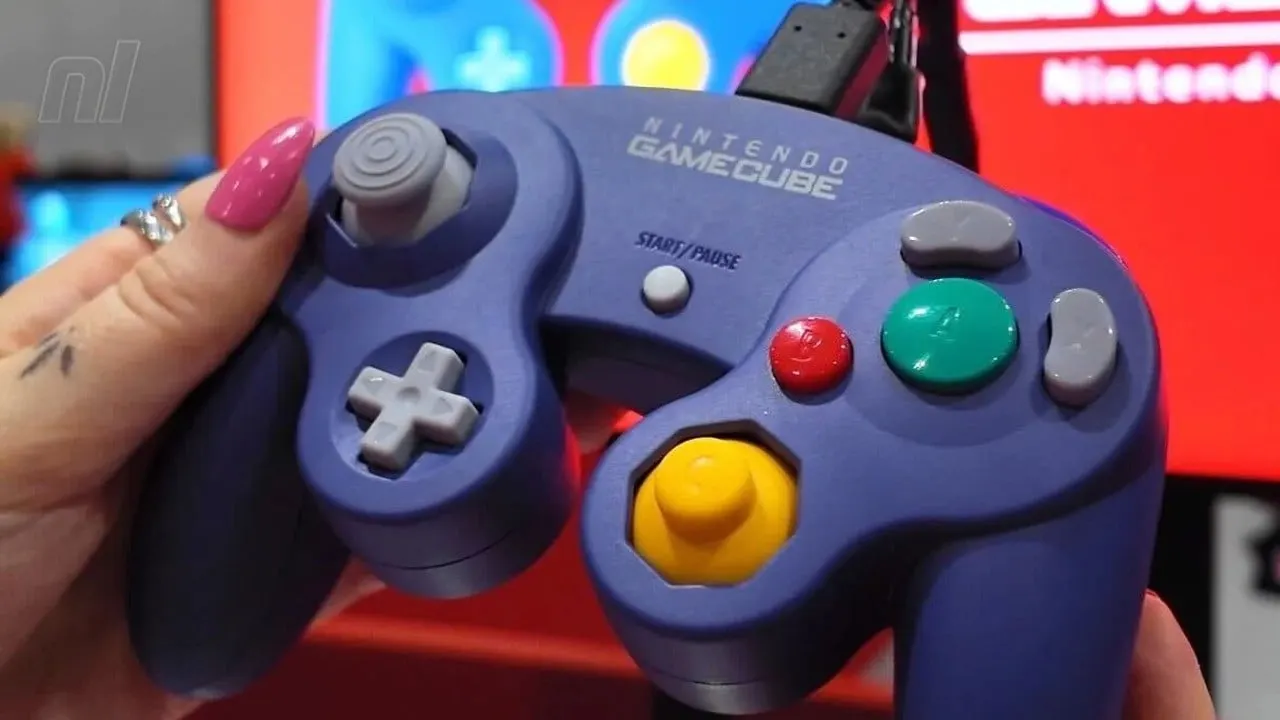
Nintendo has added an option to hide the border graphic around games in the Switch 2 GameCube app. The change arrives with version 2.2.0, released alongside Wave Race: Blue Storm, and gives players more control over how classic games appear on screen.
The setting is in each game’s options under “Extra Elements Display”, accessible from the library selection screen. Hiding the border does not remove the player profile icon, and the option currently appears limited to the GameCube app; it is not yet available in Nintendo’s other retro game apps.
In short
- Version 2.2.0 adds a border toggle to the GameCube app.
- Find it under “Extra Elements Display” in game settings.
- The player profile icon remains visible.
Entertainment Gaming Software Technology