Technology news and discussion on TalkFuse.
5 free Samsung Galaxy Watch apps every owner should know about
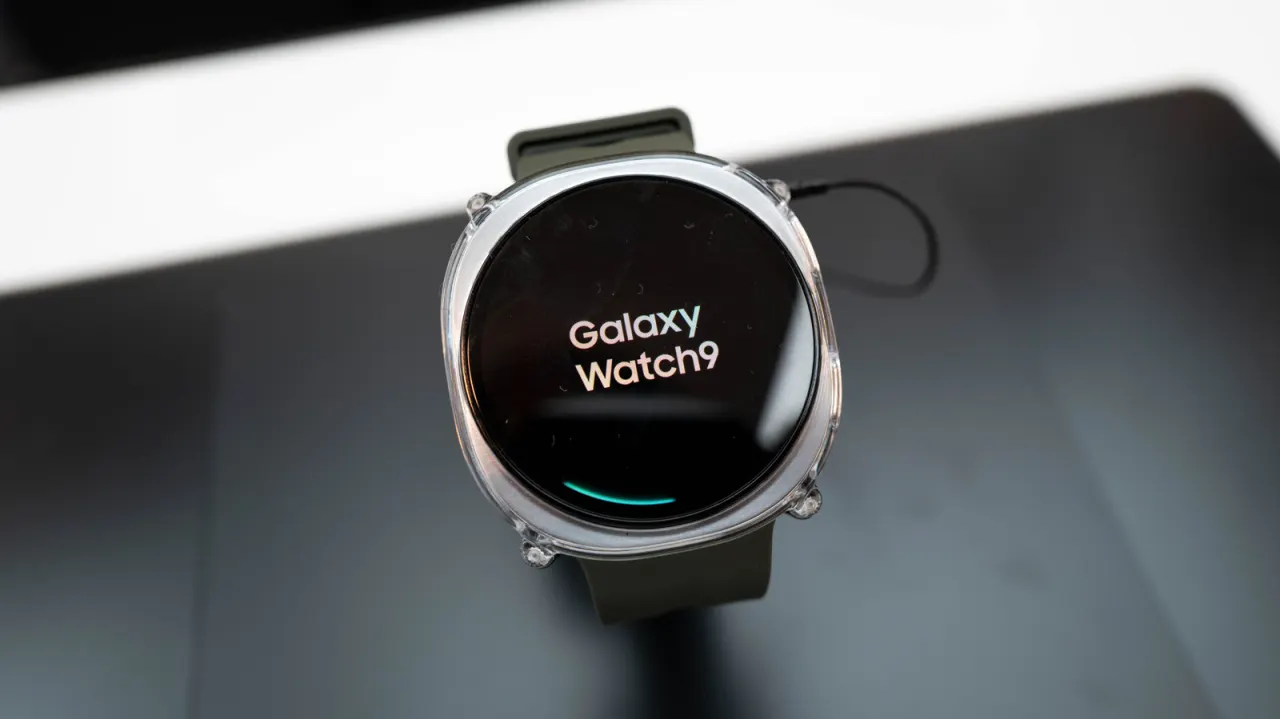
The article highlights five free apps that broaden what a Samsung Galaxy Watch can do beyond fitness tracking, from music and public transport to task management, smart home controls and workout logging. It focuses on non-Google apps, presenting them as useful options for owners who want more from their watch in everyday life.
Spotify can play downloaded music offline for Premium subscribers, while its free tier includes adverts and no offline downloads. Citymapper offers live transit information in supported cities; Todoist supports voice entry, reminders and progress tracking; SmartThings controls compatible devices on Galaxy Watch 4 and later; and Strava can sync activity data with Samsung Health. The article also notes that the Watch 9 and Watch Ultra 2 include a 60-day Strava trial.
In short
- Five free apps add everyday features to Galaxy Watches.
- Spotify offline playback requires a Premium subscription.
- SmartThings works on Galaxy Watch 4 and later.
Explained simply
Samsung's Galaxy Watch is a smartwatch that worn on the wrist and paired with a Samsung or compatible Android phone. It is best known for tracking steps, heart rate and exercise, but it can also run third-party apps, which extend its use to everyday tasks such as music, travel and reminders. Apps are installed from an app store on the watch or phone, and many are designed to work alongside the watch's built-in features.
The apps discussed are made by independent companies rather than by Samsung or Google. Spotify is a music streaming service, Citymapper provides public transport information, Todoist is a task manager, SmartThings controls connected devices around the home, and Strava is a platform for logging runs and rides. Some features depend on a paid subscription, and some work only on certain watch models or require a particular phone setup.
Interest in this kind of guide reflects a wider shift in how people use wearable technology, where the watch is treated as a small companion for daily life rather than only a fitness tracker. Choosing which apps to use depends on personal needs, the watch model, and whether a service is free or paid. Understanding what each app offers helps readers judge whether a watch can meet their needs.