Technology news and discussion on TalkFuse.
Check tablet cases, grilles and equaliser settings to improve muffled sound
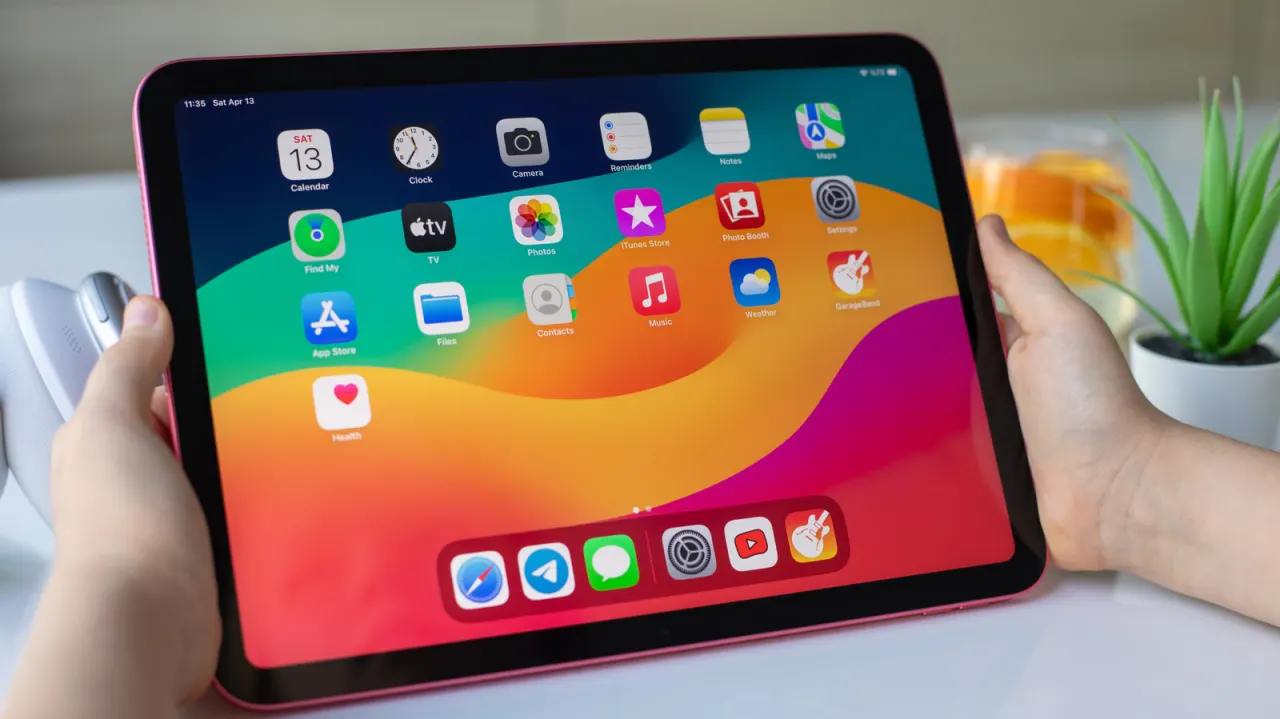
Before assuming a tablet's speakers need repair, the article suggests a few checks that can often restore clearer sound:– Remove the case and screen protector, which can block the speakers or rattle against the body, then retest.– Gently brush dust from the speaker grilles with a soft, dry brush. Never blow into them, as this can push debris further in.– Check equaliser settings. On Samsung tablets, set the equaliser to Normal. On an iPad, turn off EQ in the Music app.– Connect the tablet to a Bluetooth speaker or earphones. If the sound is clear there, the built-in speaker may be at fault.
In short
- Blocked speakers from cases or debris often cause muffled tablet audio.
- Remove the case and screen protector, then retest the sound.
- Clean grilles gently with a dry brush; never blow into them.
- Check equaliser settings, then test with Bluetooth speakers or earphones.
Read the full article at the source →
Originally published by Engadget as “Why your tablet speakers sound muffled (and how to fix them)”.