Technology news and discussion on TalkFuse.
13Members
9Posts
1Active now
18,278Stories
These settings can adjust your Samsung phone’s display to your liking
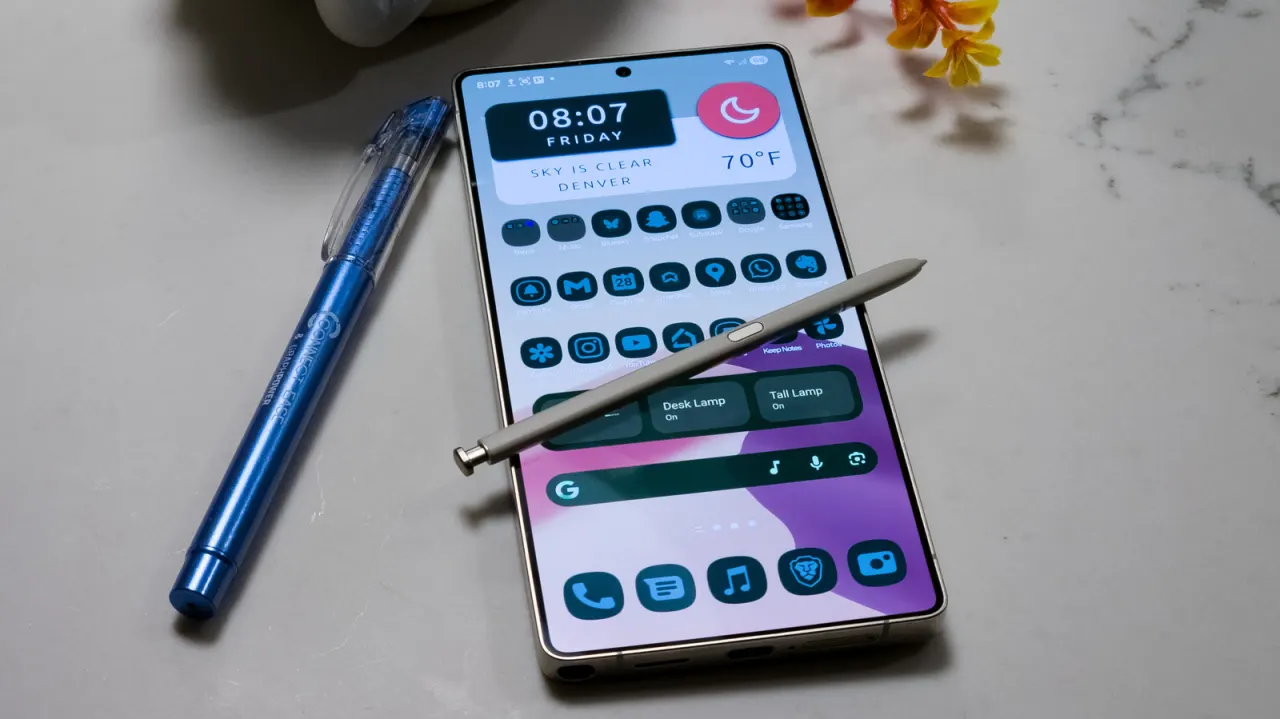
The article outlines several Samsung display settings that can be adjusted to improve smoothness, colour accuracy and brightness.– Flagships such as the S26 Ultra ship at 1080p resolution, which can be raised in Display settings.– Setting Motion smoothness to Adaptive unlocks up to 120Hz refresh, but this uses more battery.– Screen mode defaults to Vivid, while Natural gives more accurate colours, and Vivid can be fine-tuned.– Extra bright and extra dim options suit different lighting, and sunlight mode can be enabled manually.
In short
- Samsung flagships ship with resolution and refresh rate set below their maximums.
- Higher resolution and refresh rate improve smoothness but drain more battery.
- Natural screen mode offers more accurate colours than the default Vivid setting.