Technology news and discussion on TalkFuse.
How to tell if a USB-C port is damaged
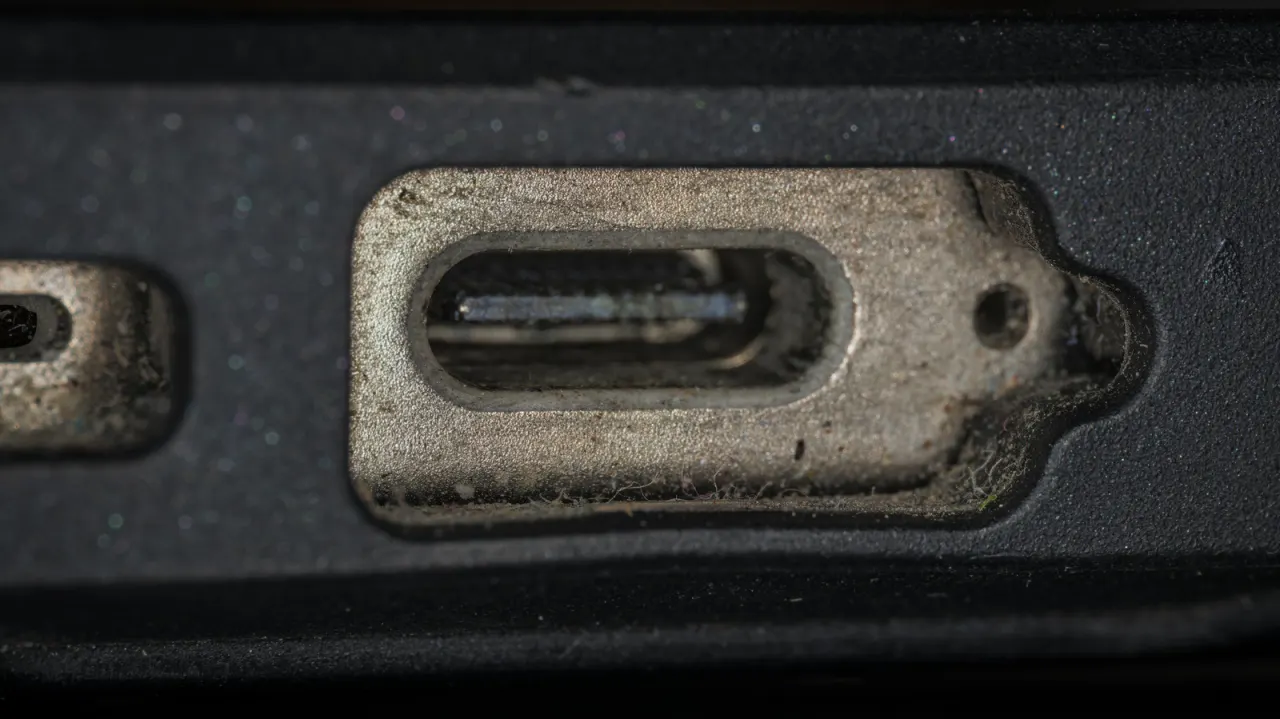
The article explains how to tell whether a USB-C port is damaged. It notes that a faulty port can leave a device without power or a reliable connection, though the cause is not always physical. This matters because many devices use USB-C for both data and power, so a broken port can quickly drain a phone's battery if it lacks wireless charging.
Key warning signs include bent or broken pins, discoloration, and inconsistent charging or data transfers. Debris, faulty cables and software or driver problems can cause similar symptoms without any port damage, so the article recommends checking the port with a flashlight, cleaning it, trying a known-working cable and charger, and updating drivers. Scorching, shown by brownish or blackish marks, means the device should be switched off and repaired. If a port is dead, a USB-C hub or Thunderbolt dock may restore connections, although shared bandwidth and power limit what can run at once.
In short
- Bent pins, discoloration and erratic charging can signal port damage.
- Debris, faulty cables and driver issues can mimic port damage.
- Scorching means stop using the device and get it repaired.