Technology news and discussion on TalkFuse.
How to decide whether to repair or replace a faulty graphics card
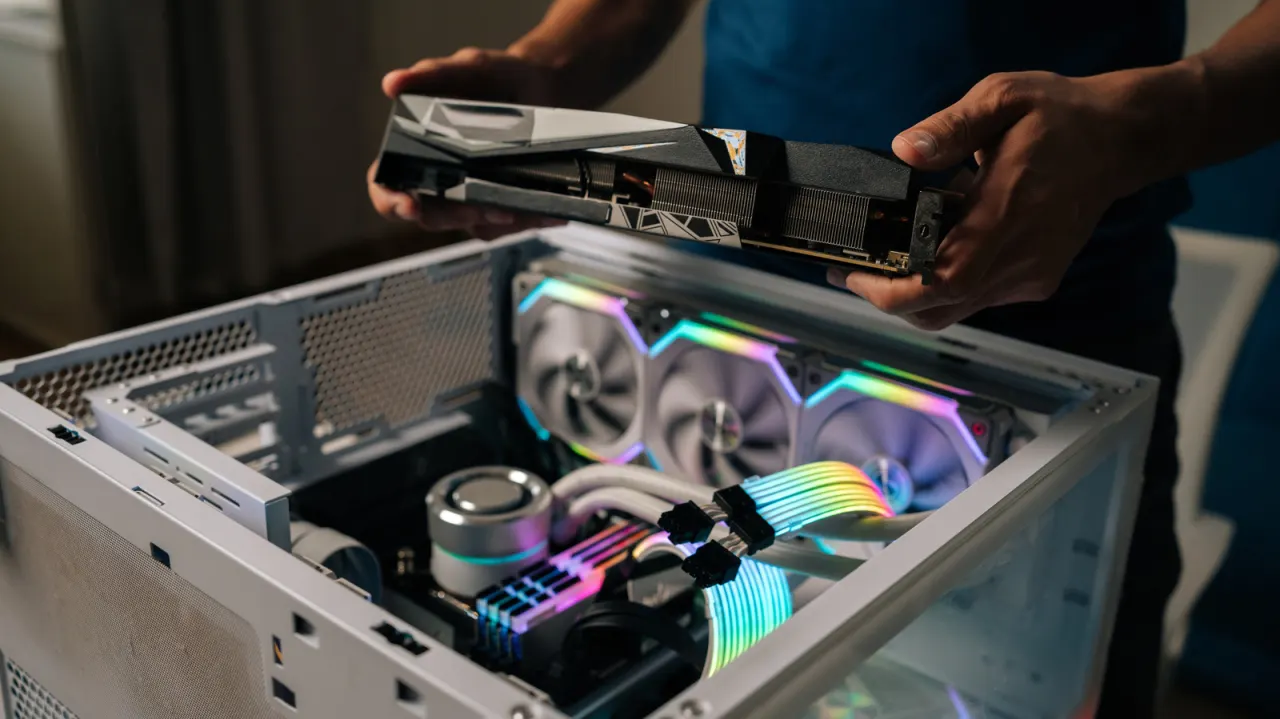
The article offers guidance on whether to repair a faulty graphics card or replace it, noting that cards are costly but often last a long time. It sets out a set of practical tips: – Warning signs include graphical anomalies, overheating, fans that do not spin under load, sudden crashes and visual artefacts. – Check warranty cover first, as most cards carry three years and some flagship models offer up to five. – To test for overheating, run a benchmark such as Unigine Heaven and check the GPU temperature in Task Manager. Readings above 80°C indicate a problem. – Dead fans can be replaced, and dried-out thermal paste can be renewed, using a screwdriver, isopropyl alcohol and fresh paste. – Blown capacitors or failed power connectors may need board-level repair from specialist shops, which is worthwhile only if the card still runs your games well. – If the GPU or its on-board memory has failed, replacement is the better option, and buying a pre-owned card through marketplaces with buyer protection can reduce costs.
In short
- Check warranty cover before attempting any repair.
- Temperatures above 80°C often point to fans or thermal paste.
- Repair only if the card still runs your games comfortably.
Read the full article at the source →
Originally published by Engadget as “When is it worth investing in a graphics card repair vs. buying a new one?”.