Technology news and discussion on TalkFuse.
How to set an iPhone charging limit to 80% (and why you might want to)
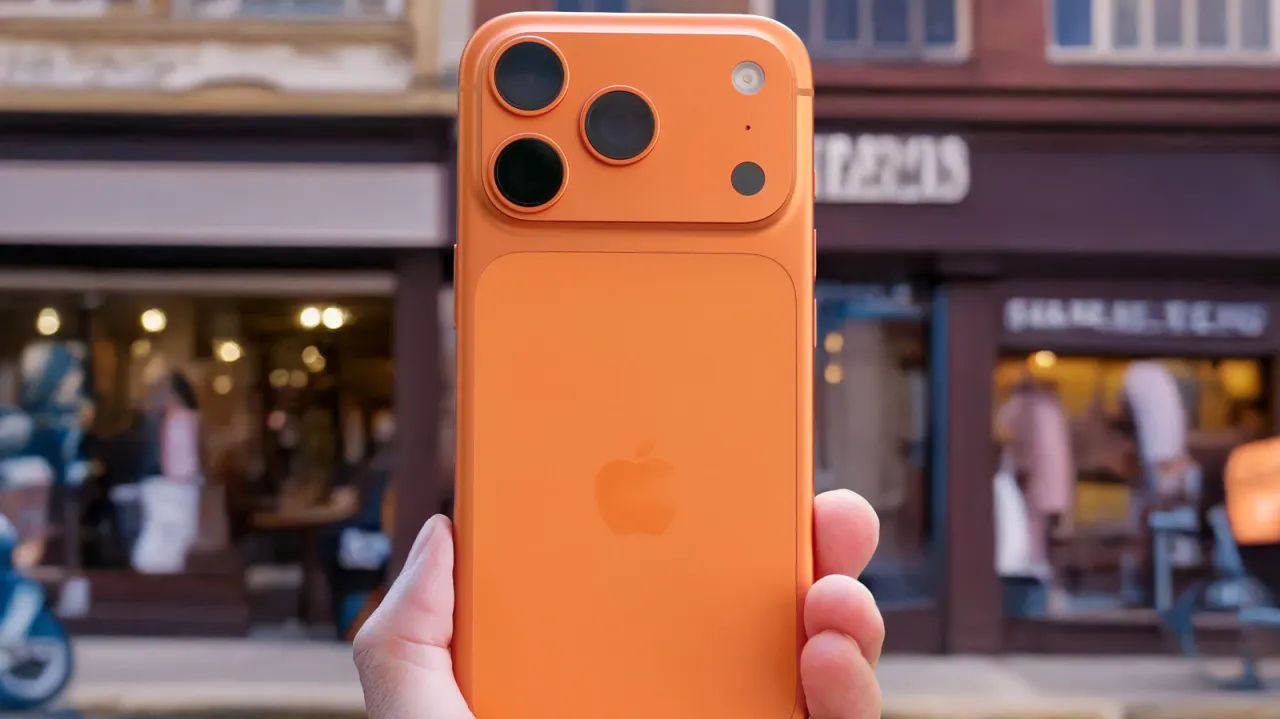
Apple’s Charge Limit setting lets owners of iPhone 15 and later cap charging below 100%, which may slow battery wear for phones that spend long periods plugged in. Choosing 80% can help reduce time spent fully charged, but means starting the day with less battery; whether that trade-off suits someone depends on their charging habits.
To set it, go to Settings, Battery, then Charging, and choose 80%, 85%, 90%, 95% or 100%. iOS may occasionally charge to 100% to keep its battery reading accurate, and users can temporarily allow a full charge until the next day. Optimized Battery Charging is on by default, learns a regular routine over at least 14 days and nine long charges, and cannot run alongside a limit below 100%. iPhone 14 and older models do not have the Charge Limit slider.
In short
- An 80% limit may slow battery ageing.
- Charge Limit is available on iPhone 15 and later.
- Older iPhones can use Optimized Battery Charging.