Which USB port should you use for your mouse and keyboard?
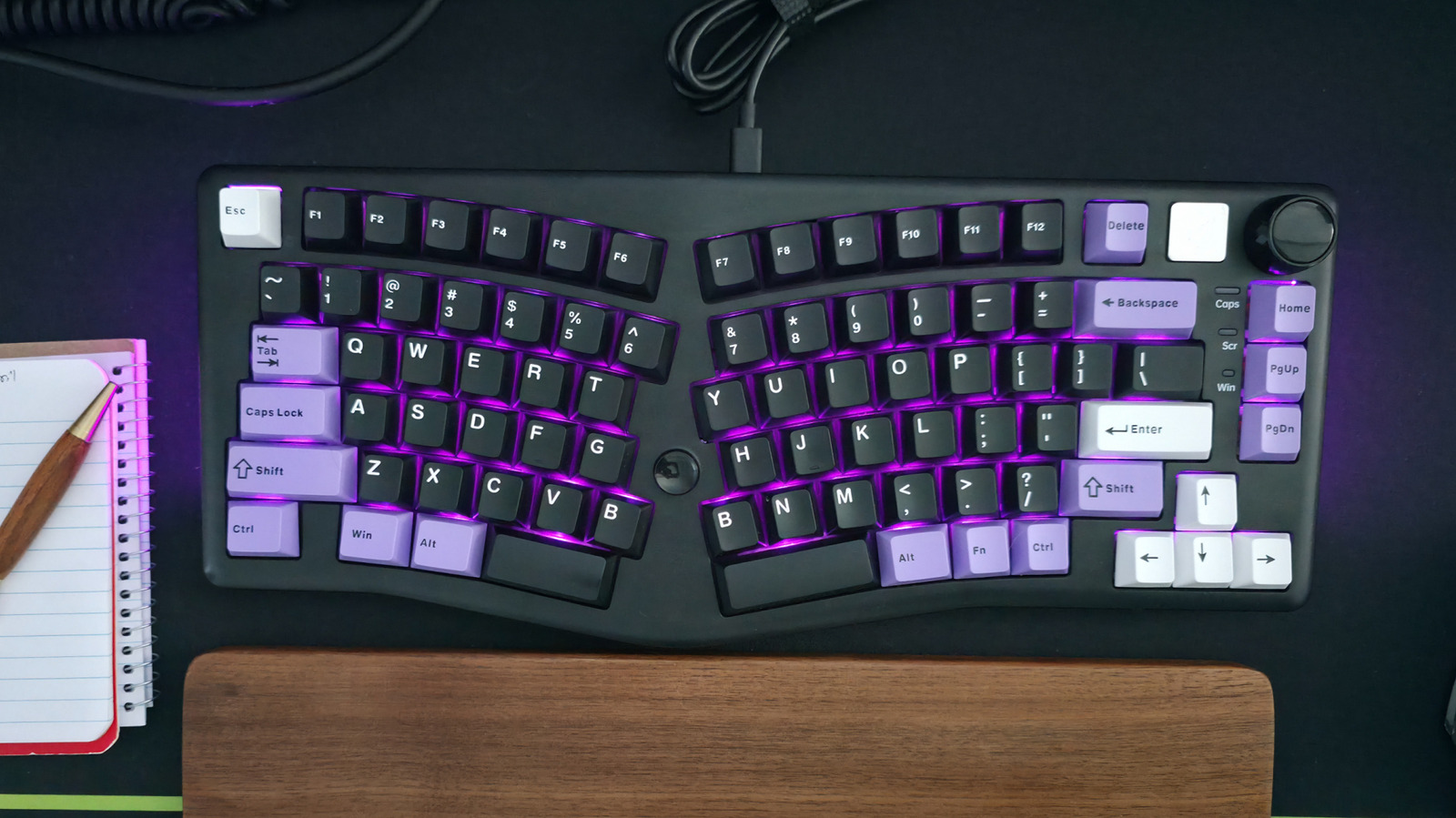
This Engadget article offers practical advice on how to connect input peripherals such as a mouse and keyboard to a computer, noting that although plugging in USB devices seems trivial, port choice matters more than most users realise. The central point is that a mouse and keyboard are the least demanding accessories, so they should be connected to a computer's slowest, least powerful ports — typically USB 2.0 — leaving faster ports free for devices that genuinely benefit from them.
The reasoning is that high-speed USB 3.x and USB4 ports deliver bandwidth and charging capabilities that input devices simply do not need, so those ports are better reserved for portable SSDs, storage drives, external monitors and hubs. The article adds several caveats: when using a USB hub or dock that also carries high-bandwidth gadgets, pick an appropriately fast port for those; if a device uses USB-C, a USB-C-to-USB-A cable can free up faster ports; and if a keyboard has its own built-in USB 3.x hub, it should be plugged into a high-powered port to support whatever is attached to it. Users are advised to weigh these factors against their own intended setup.
- Plug your mouse and keyboard into slower USB 2.0 ports.
- Reserve fast USB 3.x and USB4 ports for SSDs and storage.
- Keyboards with built-in USB hubs need a high-powered port.