Free software helps assess your PC’s graphics, processor and storage performance
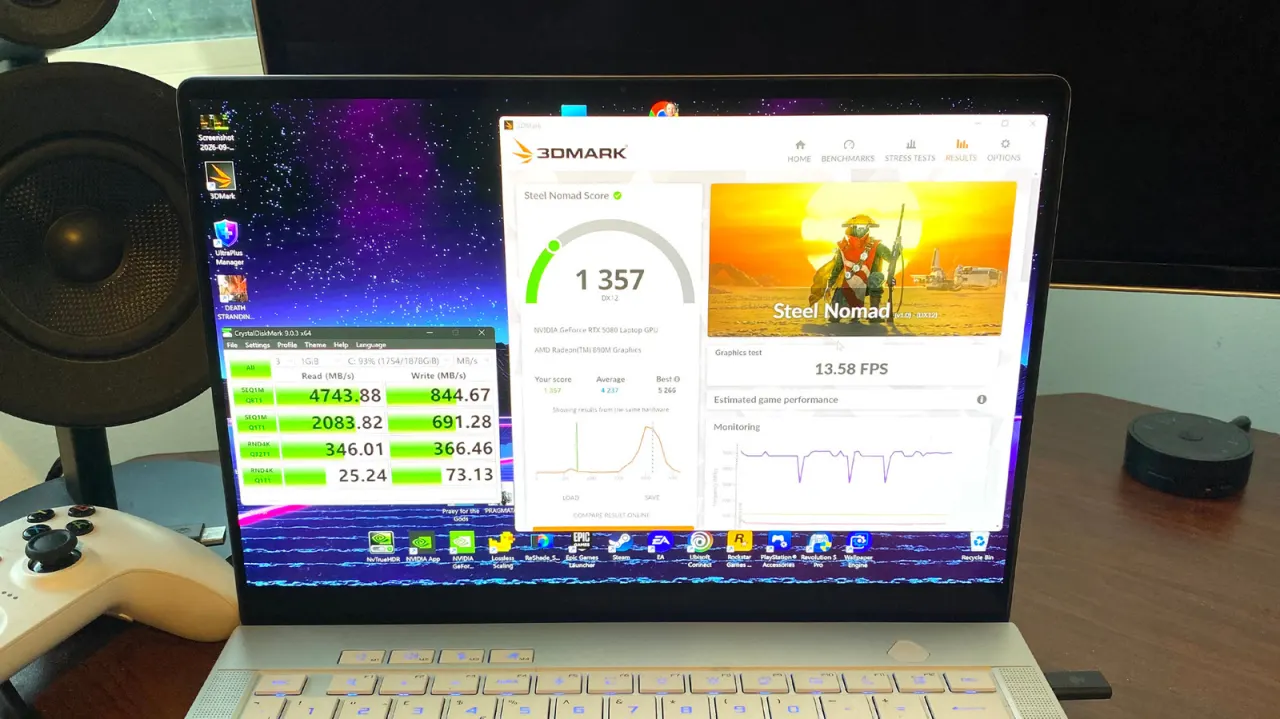
Users can easily test their PC's performance using free benchmarking software to assess whether their hardware is delivering expected results. Tools like 3DMark, Cinebench, Superposition and CrystalDiskMark allow anyone to run stress tests on their graphics card, processor or storage drive without technical expertise, and can help identify underlying system problems that might be degrading performance.
For GPU testing, 3DMark is recommended as the most popular option, with a free demo available on Steam that lets you compare results with other users; a premium £25 version offers extended stress tests. Cinebench is the go-to for CPU benchmarking, whilst Superposition offers another GPU option using the UNIGINE 2 engine. For storage testing, CrystalDiskMark measures SSD read and write speeds. Running multiple benchmarks simultaneously, such as Cinebench and 3DMark's Speed Way test together, can simulate real gaming conditions and put both CPU and GPU under combined load.
- Free benchmark tools like 3DMark and Cinebench test GPU and CPU performance easily.
- Results can be compared with other users' systems to identify hardware problems.
- In-game benchmarks or FPS overlays provide the best measure of actual gaming performance.
New here? Start with this
A computer's performance depends on several key components working together. The graphics card controls visual rendering, the processor handles calculations, and the storage drive affects how quickly programmes load. When a PC runs slowly, it is hard to know which component, if any, is responsible for the slowdown without testing.
Benchmarking software measures how well individual components perform by running standardised tests and comparing the results to expected values. These tools check graphics card, processor and storage drive performance, showing users whether their hardware is working as it should. The results can reveal whether problems are caused by failing hardware or something else entirely.
Identifying the cause of slowdowns matters because different problems require different solutions. If benchmarking shows a component is genuinely underperforming, that points to a hardware issue; if results are normal, the problem lies elsewhere.
Read the full article at the source →
Originally published by Engadget as “4 simple benchmarks to test your PC’s performance”.