Technology news and discussion on TalkFuse.
Bose app settings customise sound, noise cancellation and device switching
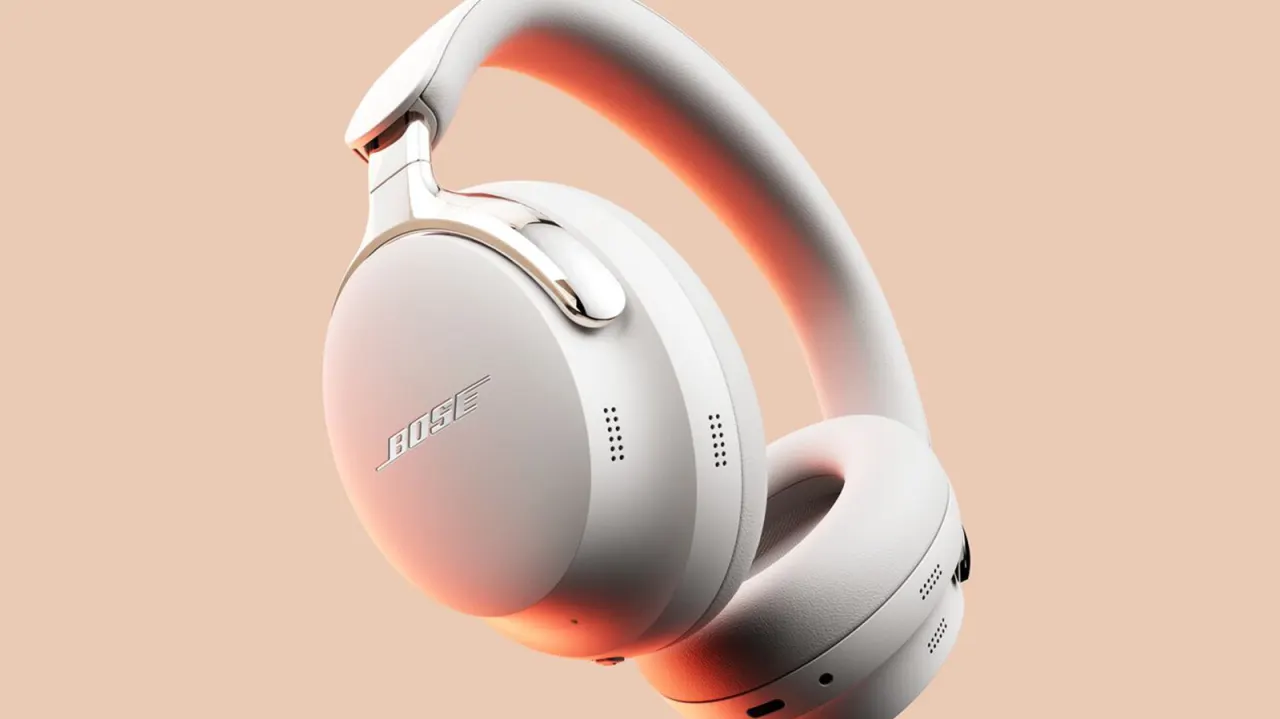
Bose headphones include features that may need to be switched on or customised in the Bose app, so owners can tailor sound and controls to their preferences. The article highlights five settings that can make everyday listening more convenient or better suited to different situations.
They include a three-band equaliser for adjusting bass, mids and treble; Bluetooth multipoint for connecting to two audio sources; and noise-cancelling modes such as Quiet, Aware, Immersion and Cinema on compatible models. The remaining settings cover customisable controls and sidetone, which lets users hear their own voice during calls. Availability varies by model, and some options require the app.
In short
- Check the Bose app for features that are off by default.
- Adjust EQ, multipoint and noise-cancelling modes to suit your needs.
- Settings and availability differ across headphone models.
Explained simply
Bose headphones are made by Bose, an audio company whose different models offer different listening and call features. The Bose app lets owners adjust settings on compatible headphones, although the available options depend on the model.
An equaliser changes the balance of bass, mid-range and treble, while noise-cancelling modes affect how much outside sound is heard. Some models can connect to two audio sources at once, and may also let users customise button controls or hear their own voice during calls.
These settings matter because people use headphones in different places and for different tasks, from listening to music to taking calls. The app provides a way to tailor supported features without assuming every Bose model works the same way.
Read the full article at the source →
Originally published by Engadget as “5 important Bose headphone settings that need to be manually turned on”.