Technology news and discussion on TalkFuse.
5 iPhone features you should be using after updating to iOS 27
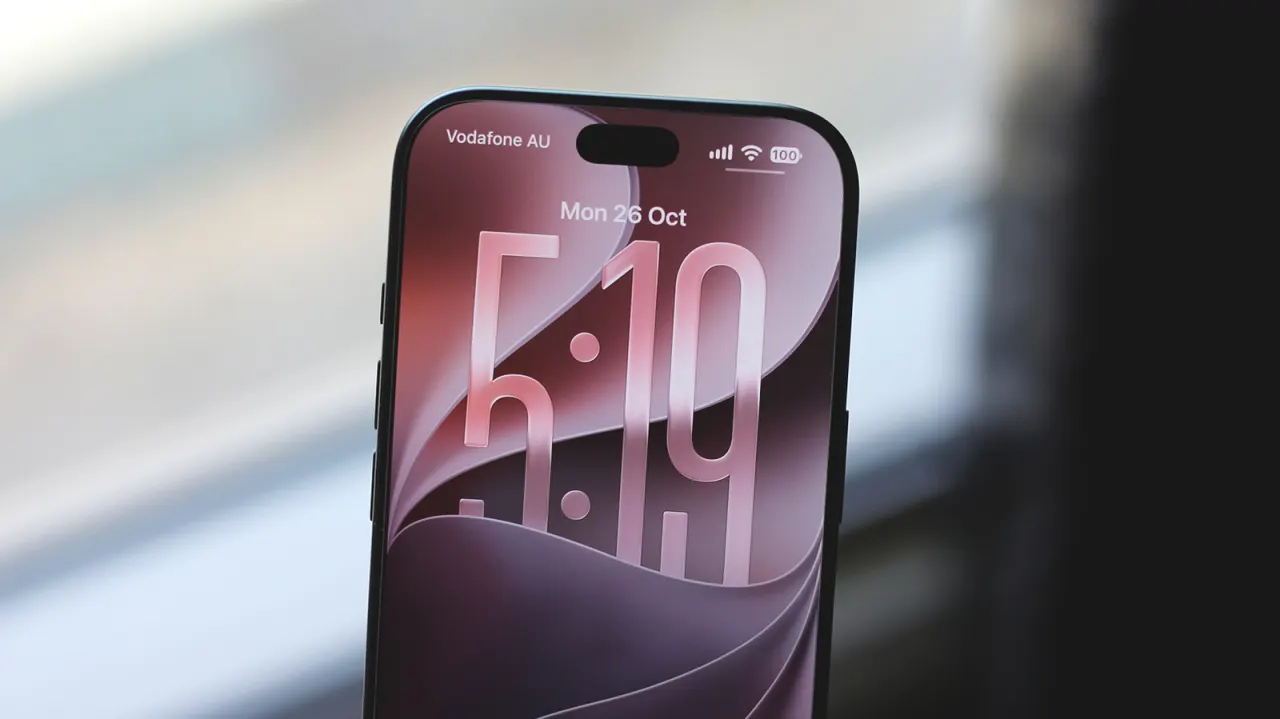
Apple’s iOS 27 prioritises stability and performance after several glitchy releases, while adding practical features for iPhone users. The article highlights five tools to explore, including natural-language shortcut creation and custom Wallet passes.
iOS 27 supports iPhone 11 and newer models, and adds a system-wide transparency slider alongside improvements such as faster app launches and AirDrop transfers. Battery-life reports vary; Apple Intelligence can help build shortcuts and create Wallet passes from eligible ticket or membership images, though some AI models have daily limits.
In short
- iOS 27 focuses on stability and performance.
- Shortcuts can be created with natural-language prompts.
- Users can add custom passes to Apple Wallet.
Explained simply
iOS is the software that runs Apple’s iPhones, and Apple releases major updates that can add features, change how existing tools work and address problems. Newer features may depend on the phone model, region or language, so not every iPhone user will see the same options.
Shortcuts lets people automate actions on an iPhone, while Wallet stores digital items such as payment cards, tickets and membership cards. Apple Intelligence is Apple’s name for AI tools built into some newer devices; its availability and limits can vary. These tools matter because they can change how people handle everyday tasks, but they may not suit everyone or work on every device.