5 Samsung Galaxy features you should be using after updating to One UI 9
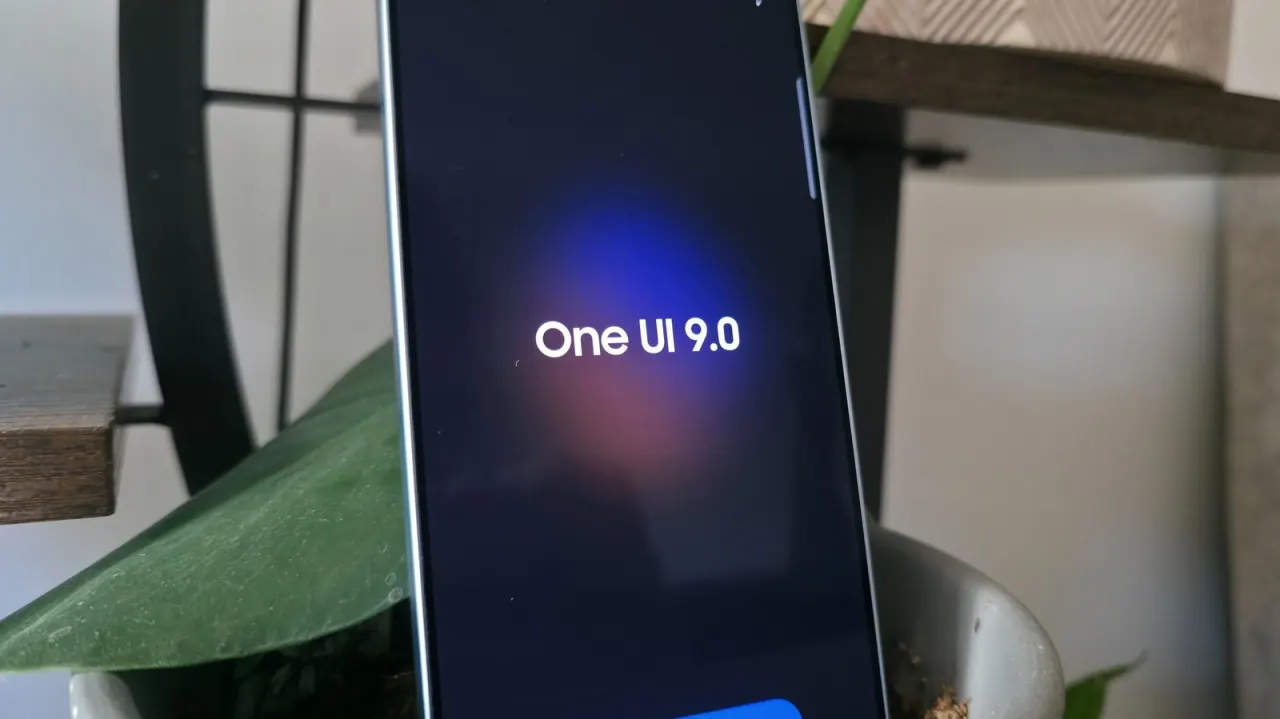
Samsung’s One UI 9 update adds practical tools for Galaxy phones, including video editing and more flexible controls. The article’s testing found several features more useful than some of the update’s AI additions, such as Now Nudge, which did not provide helpful suggestions in practice.
One highlighted tool, My FanCam, automatically tracks a person in an existing video and crops the footage around them; it runs on the phone but requires a Samsung account. The article tested it on the Galaxy S26 Ultra and S25 Ultra, and reports that the S24 series is the oldest range with access in the beta. One UI 9 is rolling out to recent flagship models, with more customisation options also available.
- One UI 9 brings practical updates to Galaxy phones.
- My FanCam tracks and crops a person in recorded video.
- The S24 series is the oldest reported to have the feature in beta.
New here? Start with this
Samsung’s One UI is the software that runs on Galaxy phones, Samsung’s range of smartphones. A major One UI update can add tools and change how people control or personalise their device.
One feature in the update, My FanCam, can follow a person in a video and adjust the frame around them. It processes the video on the phone and requires a Samsung account; the reported beta support starts with the Galaxy S24 series.
The update also includes video-editing tools and more ways to customise controls. These features matter to Galaxy owners because they can change what the phone can do and how easily people can use it.